
Organize galleries into beautiful albums
Group your galleries into stunning albums with custom covers, descriptions, and layouts.
Give visitors a polished browsing experience.
160,000+ businesses have already made the switch
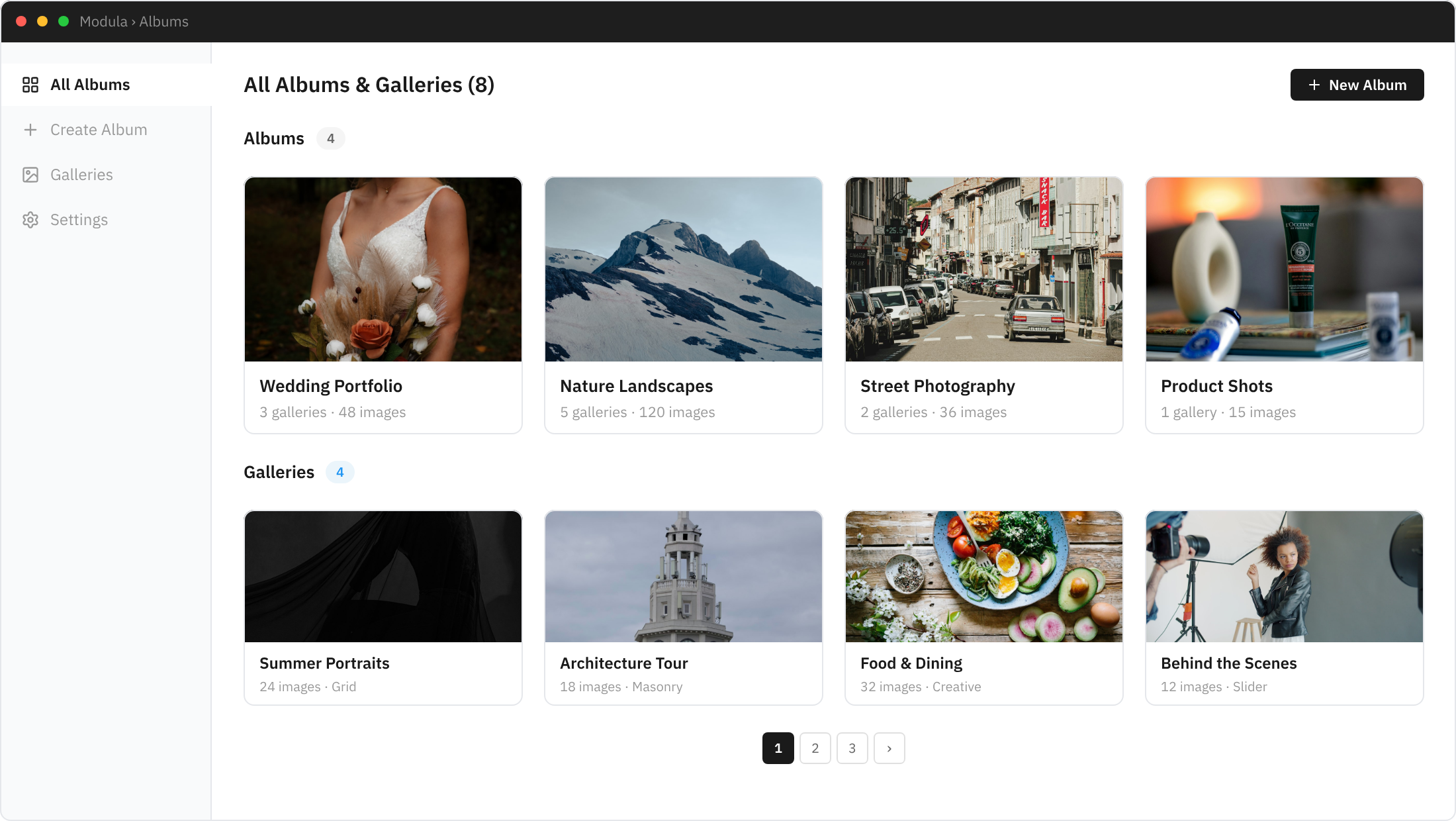
Everything you need for gallery albums
Create a professional portfolio experience with organized album collections
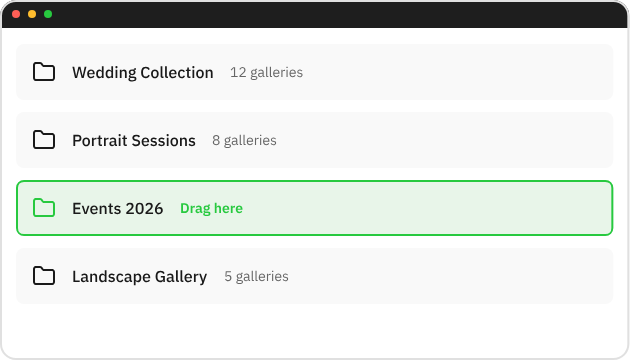
Gallery Grouping
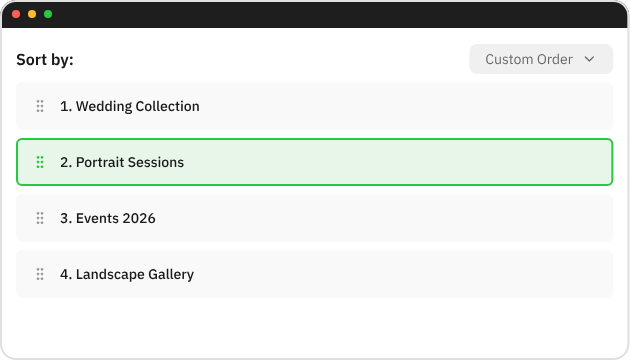
Group multiple galleries into organized albums with drag-and-drop simplicity.
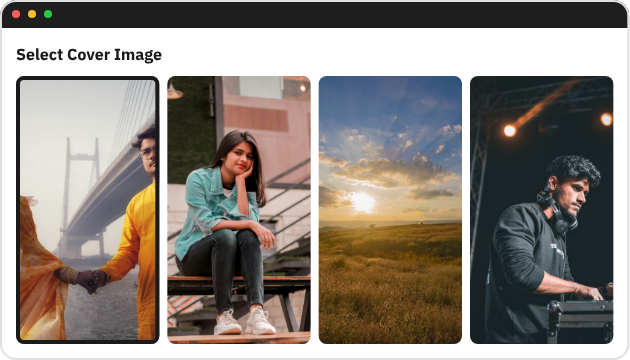
Custom Covers
Set custom cover images for each album to create a visually stunning portfolio overview.
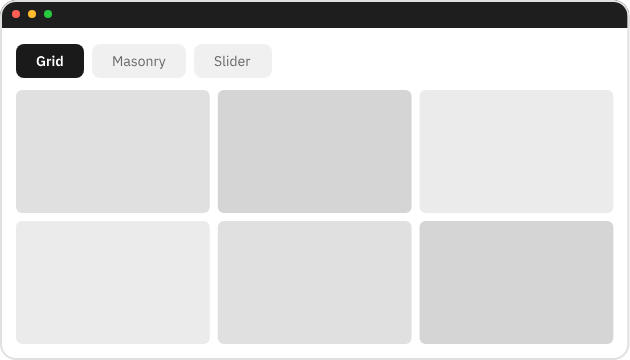
Multiple Layouts
Choose from grid, masonry, or slider layouts to showcase your album collections.
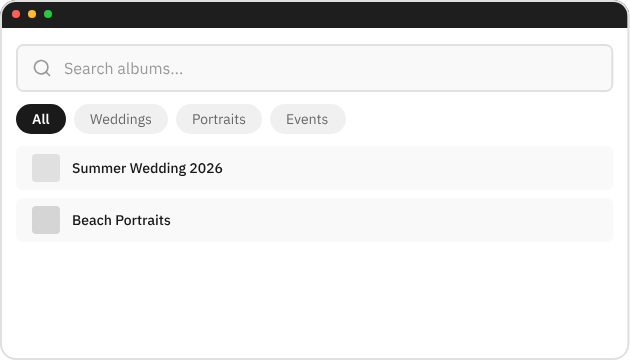
Album Filtering
Let visitors filter and search through albums to find exactly what they’re looking for.
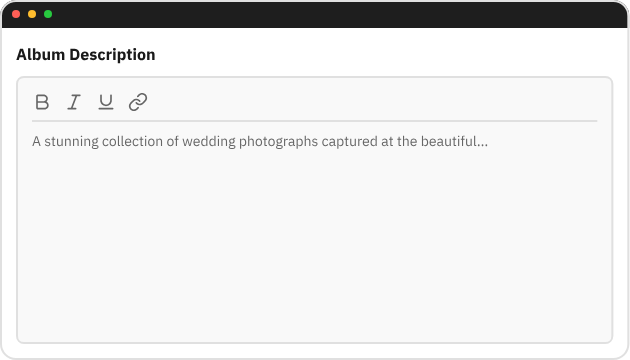
Album Descriptions
Add rich descriptions to each album to provide context and improve SEO rankings.
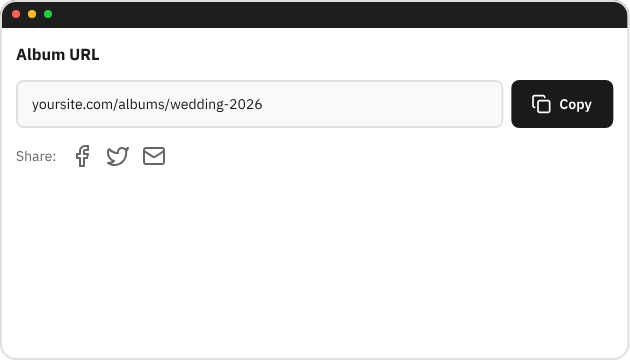
Direct Albums URL
Each album gets its own shareable URL for easy linking and social media sharing.
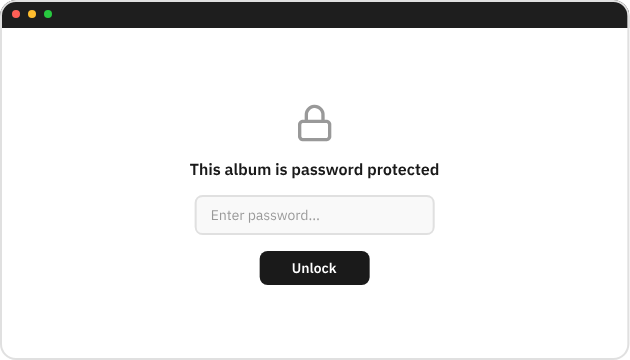
Password Protection
Restrict access to specific albums with password protection for private client galleries.
Nested Albums
Create albums within albums for deep organizational structures and complex portfolio hierarchies.
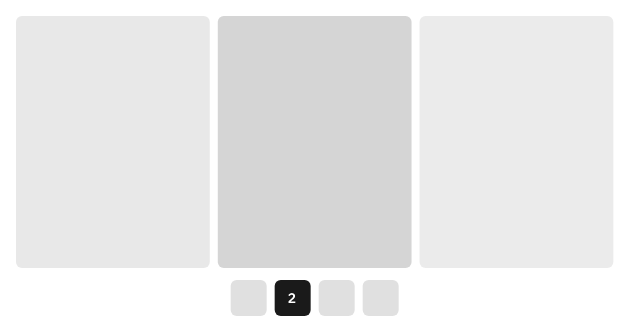
Album Pagination
Control how many albums display per page with customizable pagination for large collections.
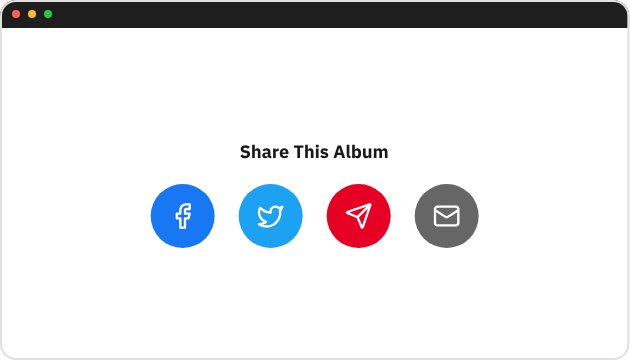
Social Sharing
Enable social sharing buttons so visitors can share your albums on popular platforms instantly.
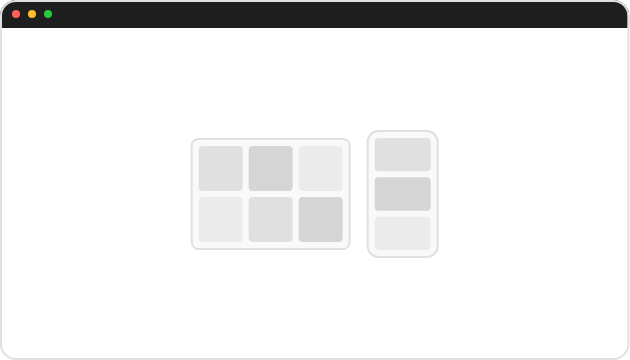
Responsive Design
Albums look stunning on every device with fully responsive layouts that adapt to any screen size.
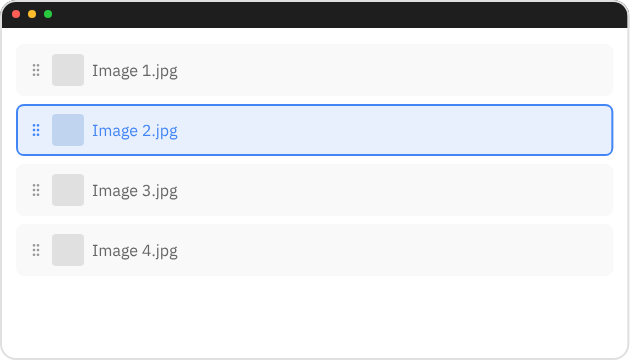
Custom Sorting
Sort albums by date, name, or custom order. Drag and drop to arrange your collections perfectly.
Loved by thousands of
WordPress creators
★★★★★
Lightning-fast loading, adapts seamlessly across devices, feature rich, and reasonable pricing compared to bloated competitors.

Glen E. Grant
Photographer & brand strategist
Verified customer
★★★★★
Finally, a gallery plugin that doesn’t turn my website into a crawling mess.
My clients’ sites look incredible now, and I haven’t had to troubleshoot a single gallery issue.

Brian Jackson
Web Developer
Verified customer
★★★★★
Setting up galleries used to eat my entire afternoon. Now it takes me 10 minutes.
Easy to use and my portfolio looks amazing.

Peg Perry
Modula Gallery User
Verified customer
★★★★★
My galleries actually work on mobile now. Before, half my visitors would bounce because images wouldn’t load properly on phones

Mike Nyerges
Modula Gallery User
Verified customer
★★★★★
This is the only gallery plugin that doesn’t create more problems than it solves. I’ve recommended it to every business owner I know.

Rick
Modula Gallery User
Verified customer
★★★★★
It just works. Set it up once, forget about it. My galleries look great and I can focus on actually running my business

Tynah
Modula Gallery User
Verified customer
Perfect for every creative professional
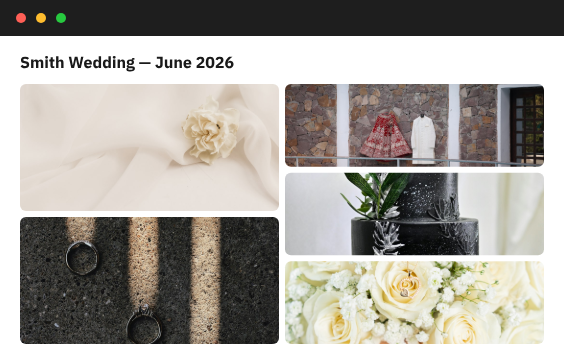
Wedding Photographers
Organize ceremony, reception, and portrait shots into albums by event or couple.
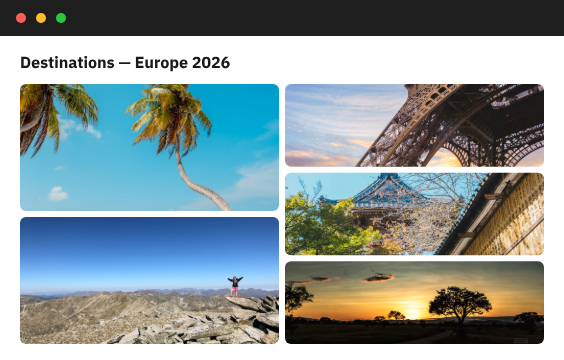
Travel Bloggers
Create albums organized by destination, trip, or season for your travel photography.
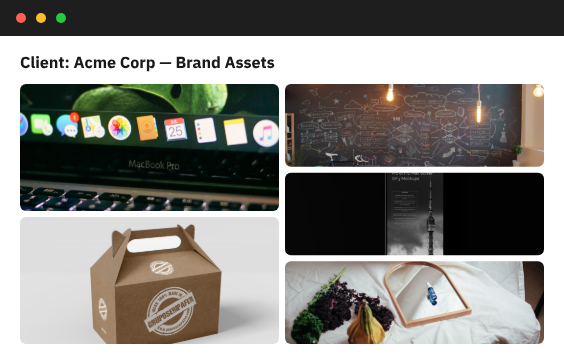
Creative Agencies
Build client portfolio albums with professional presentations and organized deliverables.
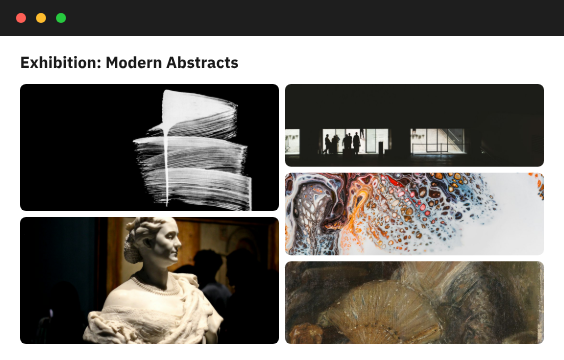
Art Galleries
Curate exhibition collections and showcase artwork in beautifully organized digital albums.
Why Modula Albums?
Organized
Clean portfolio structure that keeps your galleries neatly categorized and easy to navigate.
Professional
Client-ready presentations that make your photography business look polished and credible.
Flexible
Multiple layout options that adapt to your creative vision and portfolio requirements.
Fast
Quick setup with no coding required. Get your album portfolio running in minutes, not hours.
Frequently Asked Questions
Go to Modula > Albums in your WordPress dashboard. Click ‘Add New Album’, then select the galleries you want to include. Customize the cover, title, and description.
Albums can contain both galleries and other albums, so you can nest albums inside each other to build a hierarchy. This makes it easy to organize your galleries by category, event, client, or any structure that fits your workflow.
Albums support grid, masonry, and slider layouts. Each can be customized with different column counts, spacing, and hover effects.