 Made in Europe, buy from Europe.
Modula Pro · Instagram
Bring your Instagram feed to WordPress
Import your Instagram photos into your Modula galleries. Modula saves them on your own site. It can also add your new photos for you, about every 6 hours.
★★★★★ 4.7 on WordPress.org · 160,000+ sites


This is a real Modula gallery, live on this page. We uploaded its photos for this demo. They do not come from an Instagram account.
Your Instagram photos, on your own site.
6
Hours between updates
Modula can add your new photos by itself, about every 6 hours.
1
Login to connect
You log in on Instagram. You never need an API key.
0
Calls to Instagram from your page
The photos are saved to your Media Library.
01
In the settings
Connect your account once
Find Instagram on the Connections screen and click Connect. You log in on Instagram. You never need an API key.
01
Turn on the extension
Instagram is a Modula Pro extension. Switch it on first.
02
Open Connections
Go to Settings → Connections and find the Instagram row.
03
Click Connect
Log in to Instagram and allow access. Then come back to your gallery.
02
Controls
From your account to your gallery
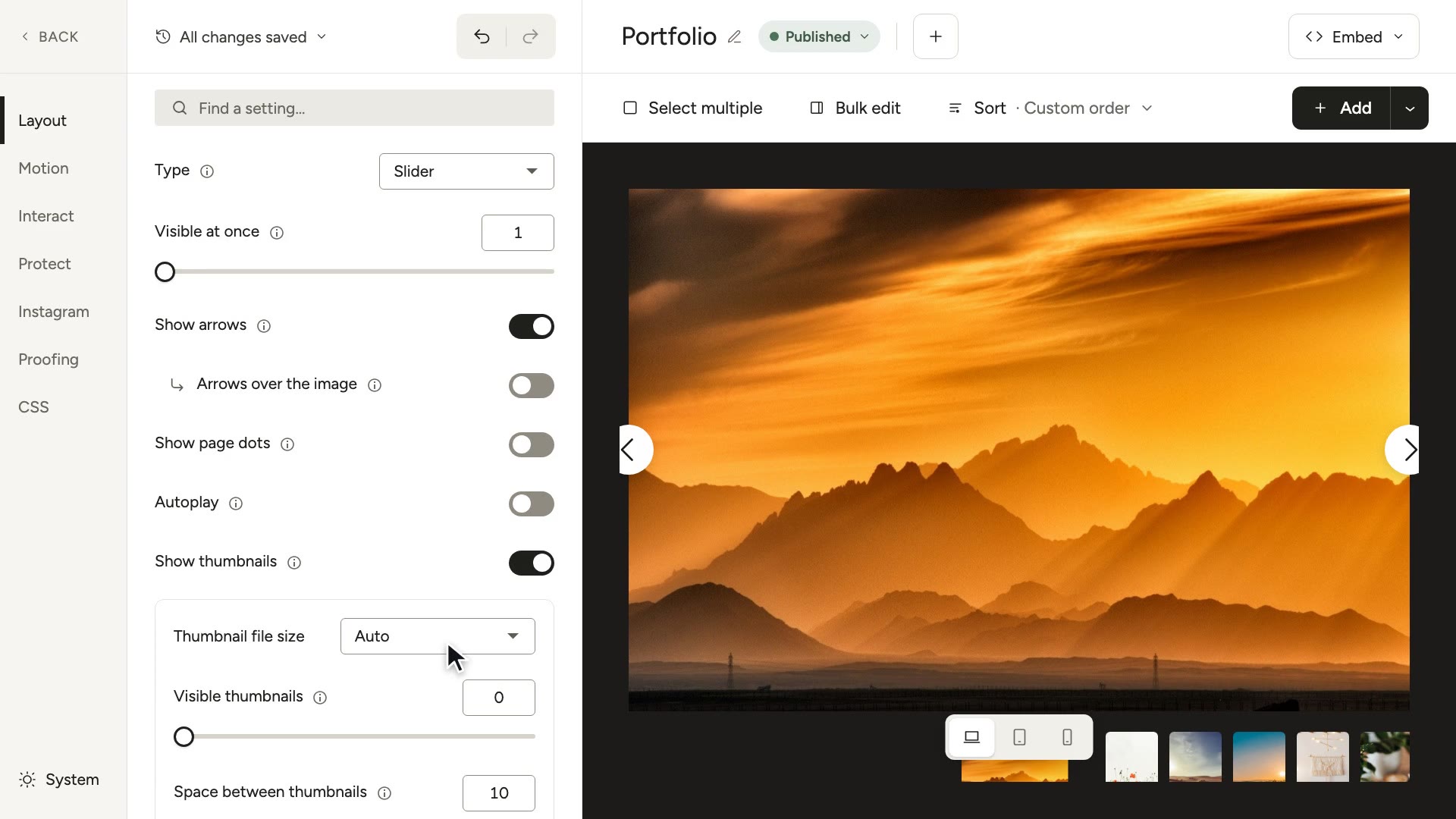
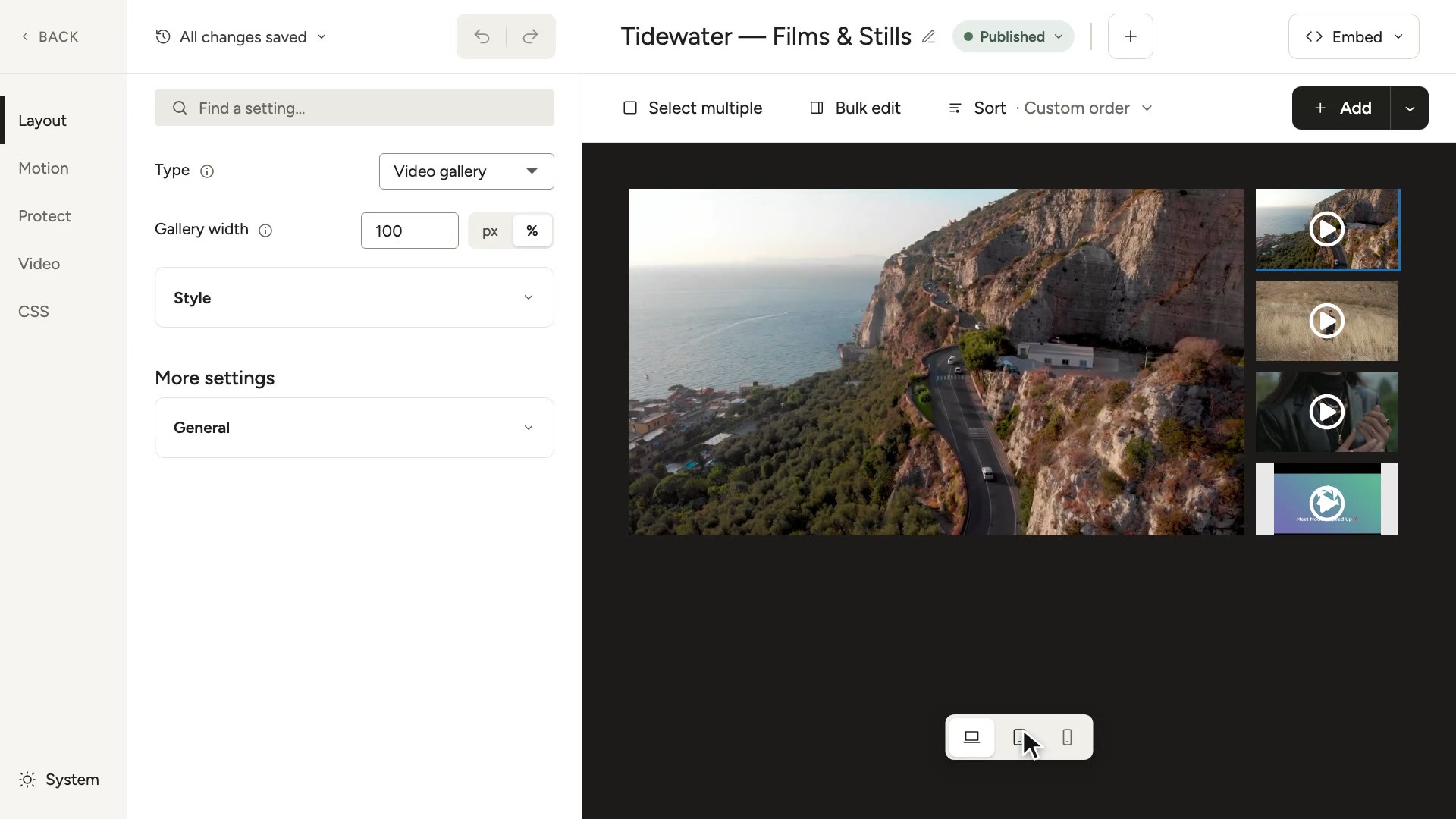
These clips show a site with no account connected, so you see the screens as they look before you start.
Keep the gallery up to date
Each gallery has an Instagram section. Turn on Auto-update from Instagram and Modula refreshes the gallery about every 6 hours.
- You cannot change the 6-hour schedule
- Manage photos opens your Instagram photos
- Connect an Instagram account starts the login
Add your photos from the Add menu
Open the arrow next to Add and pick Instagram. If no account is connected yet, Modula asks you to connect one first.
- Photos are saved to your Media Library
- Visitors load them from your own site
- Your page makes no calls to Instagram
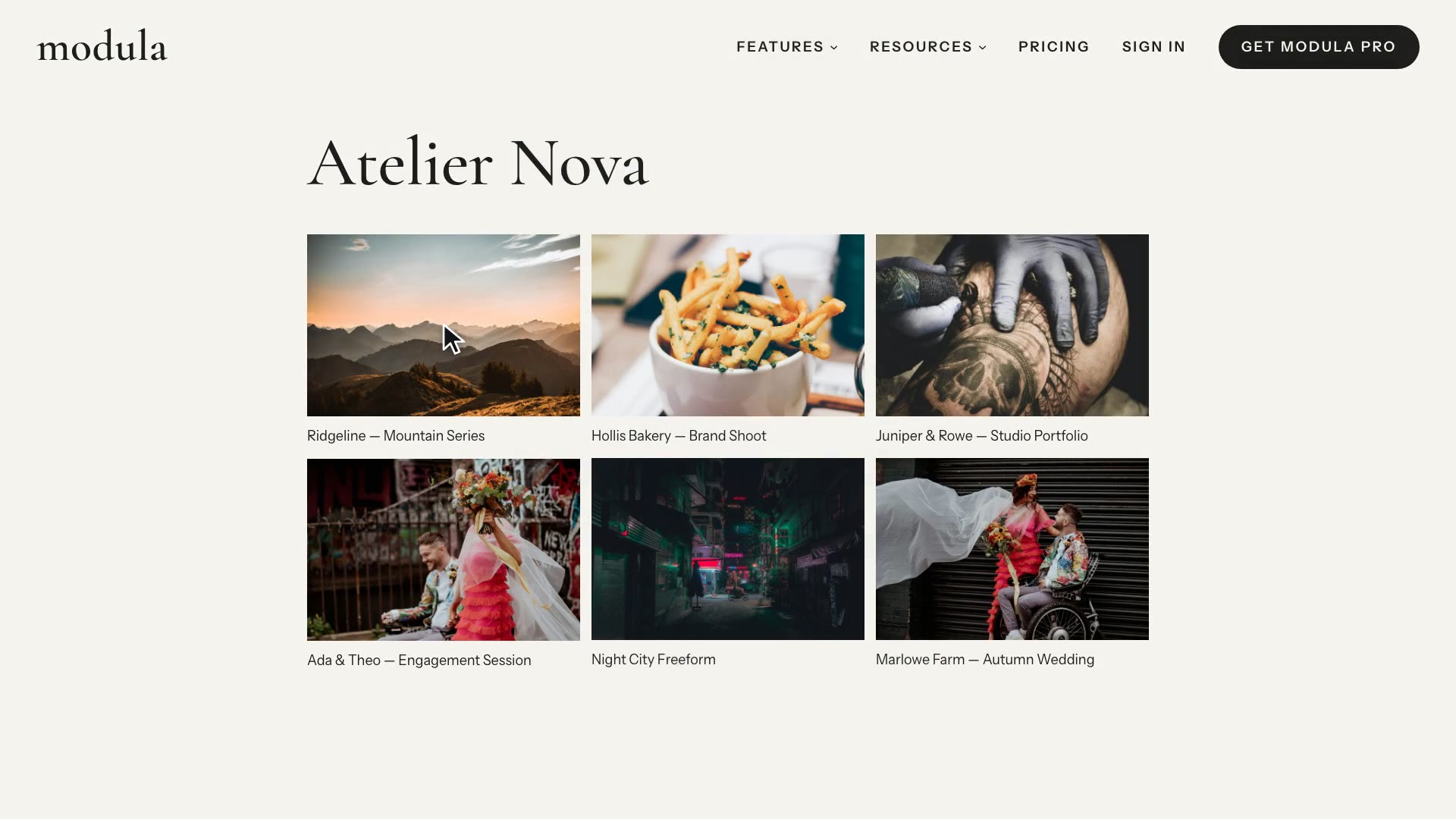
Pick the layout you like
Imported photos become regular gallery items, so you can change the layout at any time. This clip uses ordinary photos, because this site has no Instagram account.
- Switch between Story, Masonry and Uniform grid
- Photos open in the Modula lightbox
- Change spacing and hover effects as usual
- Carousel posts only import into classic galleries
★★★★★
“I have been using this plugin for some months now and it does everything I asked for as a travel blogger.”
CheStefano · Review on WordPress.org
More from Modula Pro
Frequently asked questions
Switch on the Instagram extension. Go to Settings → Connections and click Connect. Log in to Instagram and allow access. Then add your photos to any gallery from the Add menu.
You connect the account you log in with on Instagram. Modula imports the photos from that account. It does not search hashtags.
With Auto-update from Instagram on, Modula refreshes the gallery about every 6 hours. You cannot change that schedule. You can also update a connected gallery yourself at any time.
No. Imported photos are saved to your Media Library. Visitors load them from your site, so the page makes no calls to Instagram.
No. Modula connects one Instagram account at a time. To show another account, disconnect the first one and connect the new one.
Turn your Instagram into a WordPress gallery
Instagram comes with the Trio and Business plans · 14-day money-back guarantee