
Modula Pro · Slider
Transform galleries into captivating sliders
Turn any Modula gallery into a smooth, touch-friendly slider with navigation arrows, autoplay, and fully customizable transitions.
★★★★★ 4.7 on WordPress.org · 160,000+ businesses made the switch

Photo by Sven Pieren on Unsplash.

Photo by Sergey Pesterev on Unsplash.


Photo by Daniel Seßler on Unsplash.

Photo by Hiep Duong on Unsplash.

Ridge lines fading into the evening haze.
☝ A real Modula slider, live on this page — swipe or use the arrows.
Every slider detail, under your control
From transition style to touch gestures, tune the slider to match your gallery — no code required.
Fade, slide, and custom timing
Pick a transition style and dial in exactly how the slider behaves — smooth sliding or an elegant crossfade, with autoplay speed and looping under your control.
- Slide or fade transition, switched with one toggle
- Autoplay with a custom interval in milliseconds
- Pause on hover, and an infinite loop that wraps last to first
- Animation speed set in milliseconds
Arrows, dots & thumbnails — your call
Combine navigation styles freely. Arrows can sit inside the slide or outside it, dot pagination shows position at a glance, and a thumbnail strip lets visitors jump straight to any photo.
- Arrows, dot pagination and the thumbnail strip toggle independently
- Arrows sit inside the slide, or outside the frame
- The thumbnail strip highlights the active slide as you move
- Drag to slide with a mouse, swipe on touch
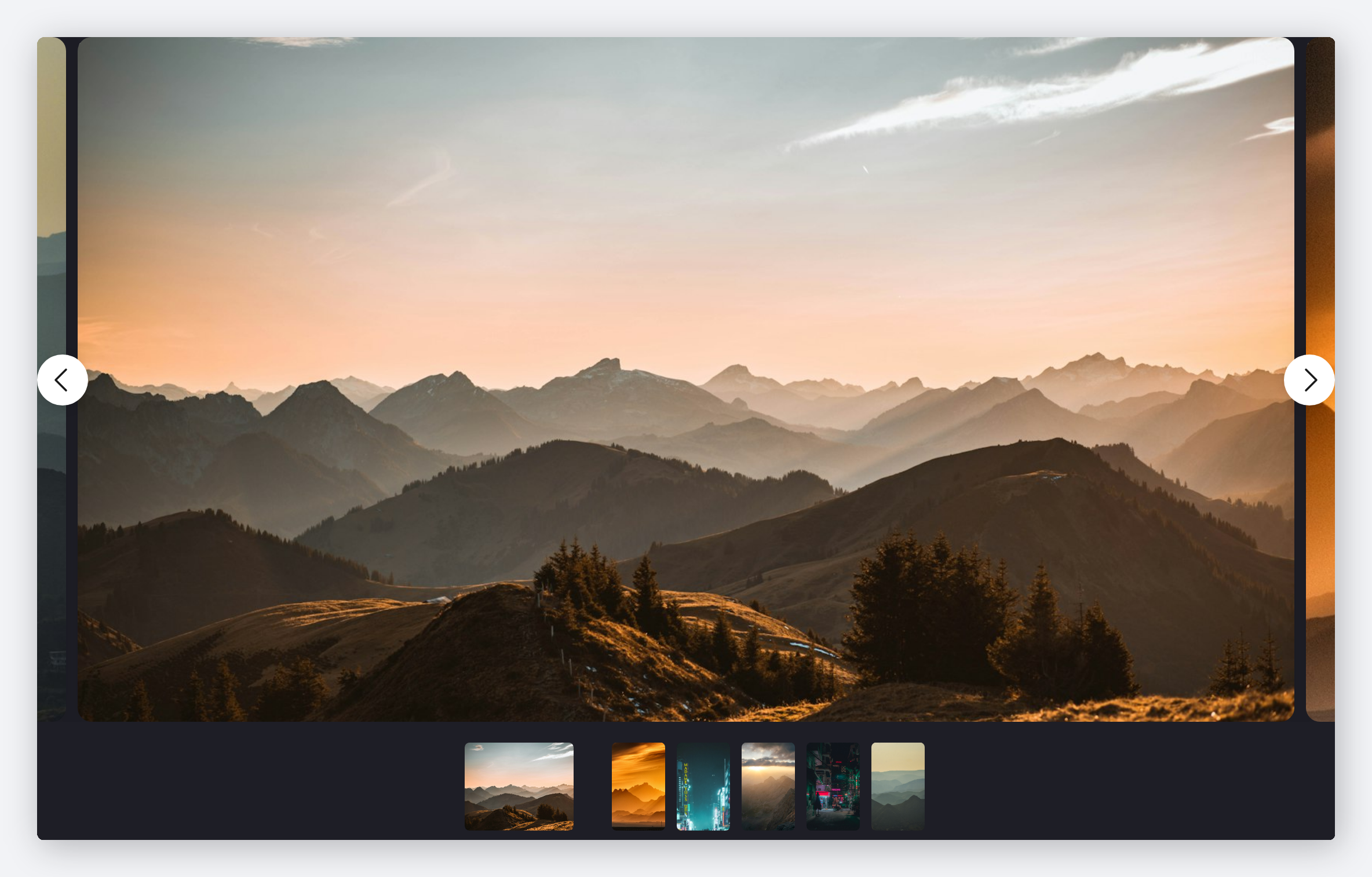
A polished result on the frontend
This is the actual slider from the top of this page. Centre mode keeps the neighbouring photos peeking at the edges, the arrows sit inside the frame, and the thumbnail strip runs underneath.
- Centre mode with adjustable padding around the active slide
- Container width set to 100%, or any CSS width you type
- Thumbnail strip with its own size, gutter and border colour
Frequently asked questions
Yes — existing Modula galleries can be converted with a single click by enabling the slider option in gallery settings. No need to rebuild anything from scratch.
Absolutely. The slider is fully responsive and touch-optimized, so swipe gestures work naturally on all smartphones and tablets.
Yes. Choose between smooth sliding and elegant fade transitions, then fine-tune animation speed and easing to match your site’s feel.
No. The slider lazy-loads images and uses hardware-accelerated CSS transitions, so your pages stay fast even with large image galleries.
Yes — display one, two, three or more slides simultaneously, configured per breakpoint. Great for showcasing product collections or portfolio highlights side by side.
Turn your next gallery into a slider
Smooth transitions, touch gestures, and full control over navigation — all built into Modula Pro.
14-day money-back guarantee — because we’re that confident.