

Wedding photographers face a common problem. You shoot hundreds of photos across an entire day. The venue, ceremony, and reception each tell different parts of the story.
Dumping everything into one massive gallery? That overwhelms visitors. They click away before finding what they want.
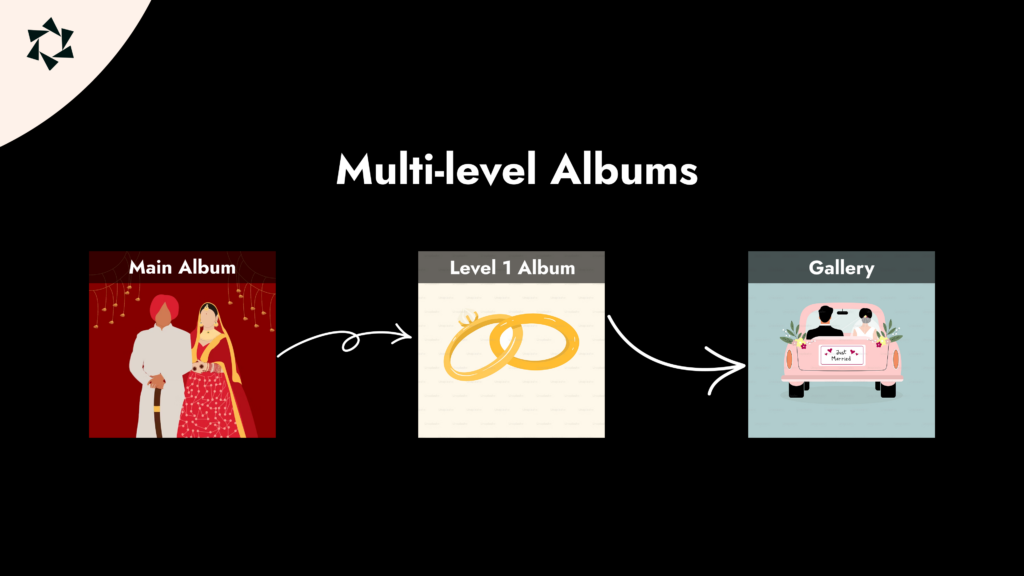
A better approach: organize photos into a layered portfolio. Each wedding gets its own section. Each section has separate galleries for venue, ceremony, and reception.
This guide shows you how to build this exact setup using Modula.
What You’ll Need
Three things make this work:
1. Modula Image Gallery
Creates responsive galleries with hover effects and lightboxes. This handles all your individual photo collections.
2. Modula Pro
Adds watermarking, image protection, and the Albums addon—which is the key feature for this tutorial.
3. Albums Addon
Group multiple galleries into one album. It technically supports one level of hierarchy. But we’ll use a simple trick to create a second level.
The Final Result
Here’s what your portfolio will look like:
Weddings Portfolio (Main Gallery)
– Jane & Mark → links to their album page
- Gallery: Venue
- Gallery: Ceremony
- Gallery: Reception
– John & Jill → links to their album page
- Gallery: Venue
- Gallery: Ceremony
- Gallery: Reception
Visitors click a couple’s name. They land on that couple’s album page with all three galleries. Clean navigation. Fast loading. Professional presentation.
How to Build It: Step-by-Step
Step 1: Create Individual Galleries
-
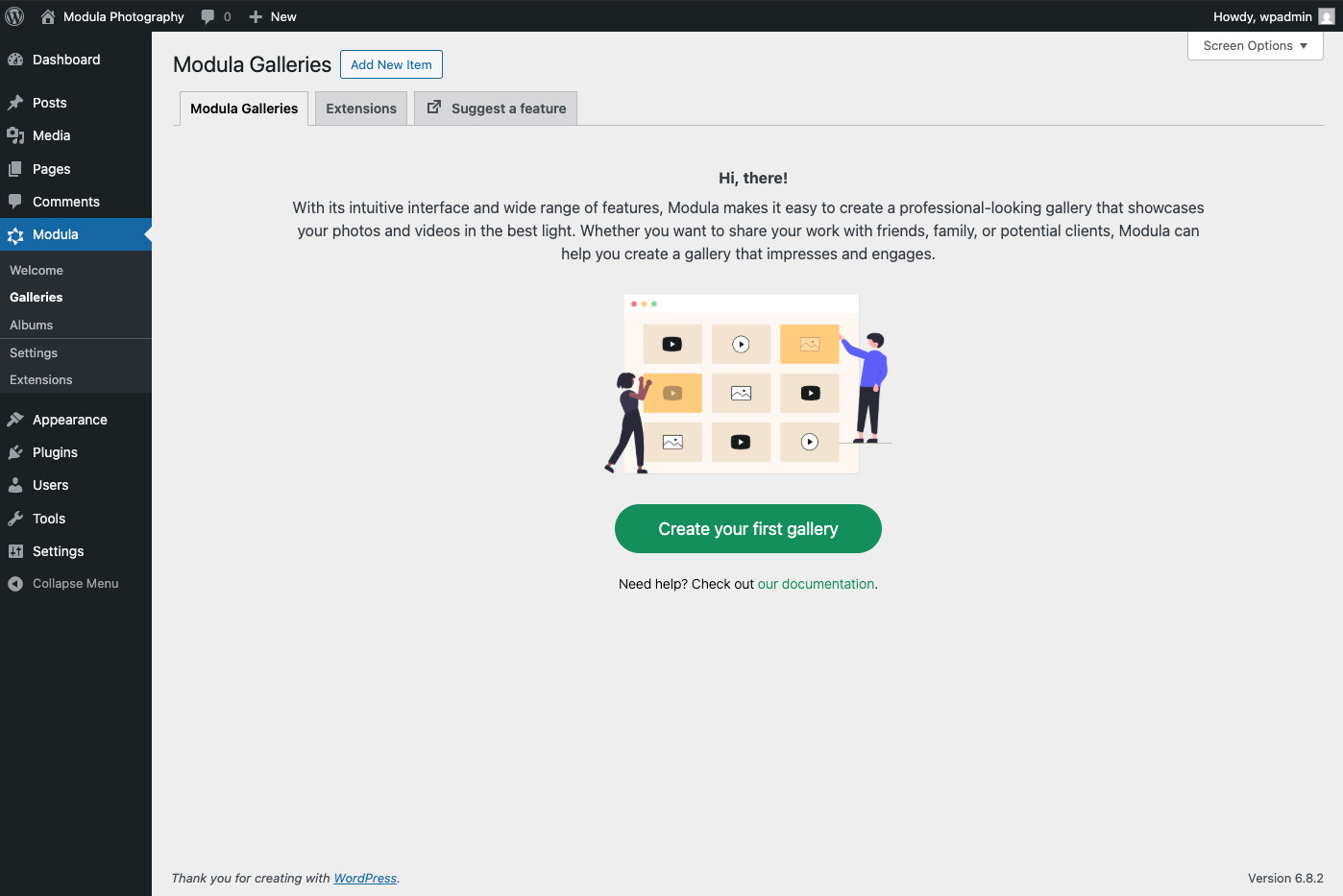
Go to Modula → Add New Item
-
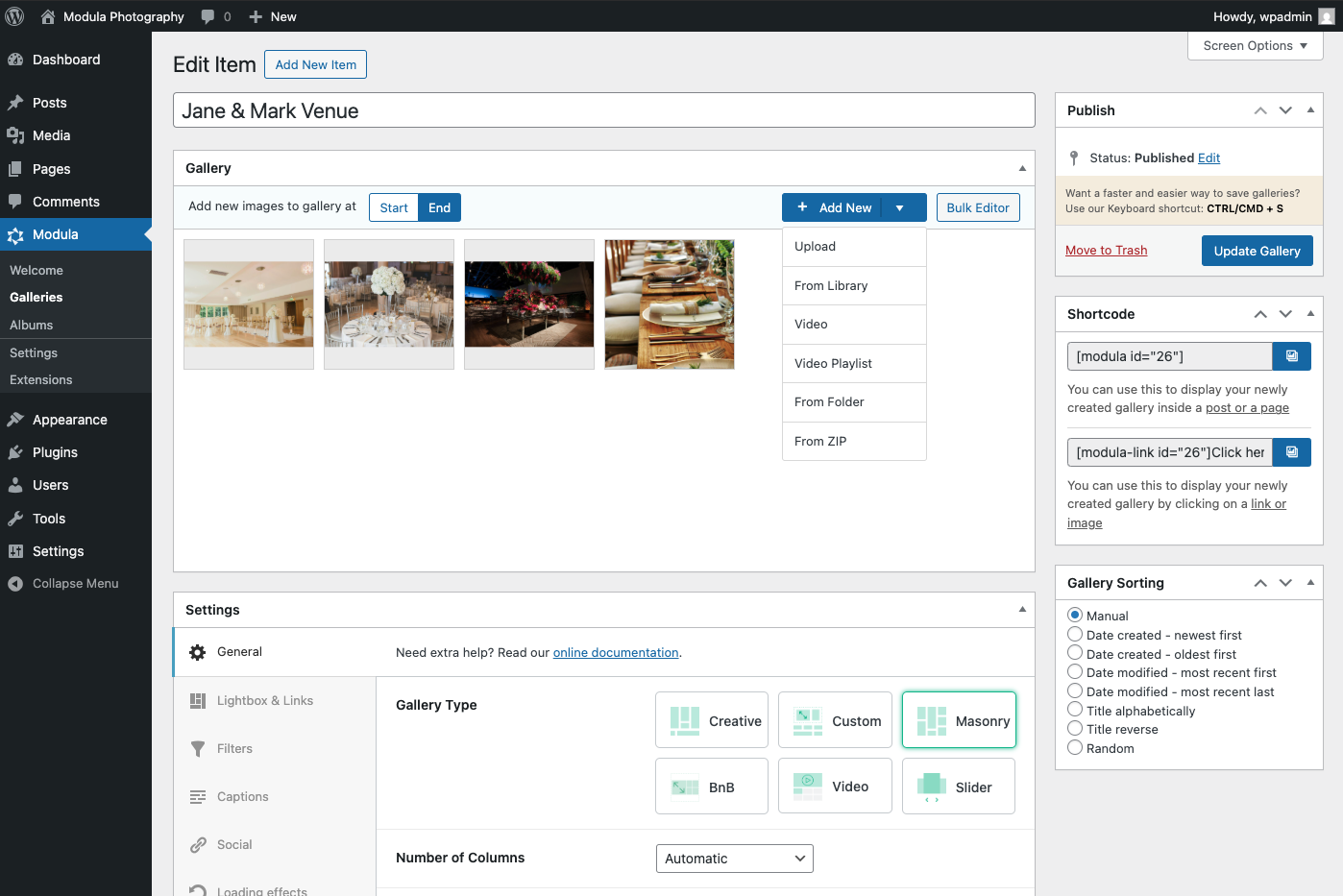
Create three galleries for your first couple:
Jane & Mark – VenueJane & Mark – CeremonyJane & Mark – Reception
-
Upload and arrange your photos
-
Publish each gallery
-
Repeat for each couple in your portfolio
Tip: Use consistent naming. It makes organizing easier as your portfolio grows.
Step 2: Group Galleries into an Album
Now bundle each couple’s galleries together.
-
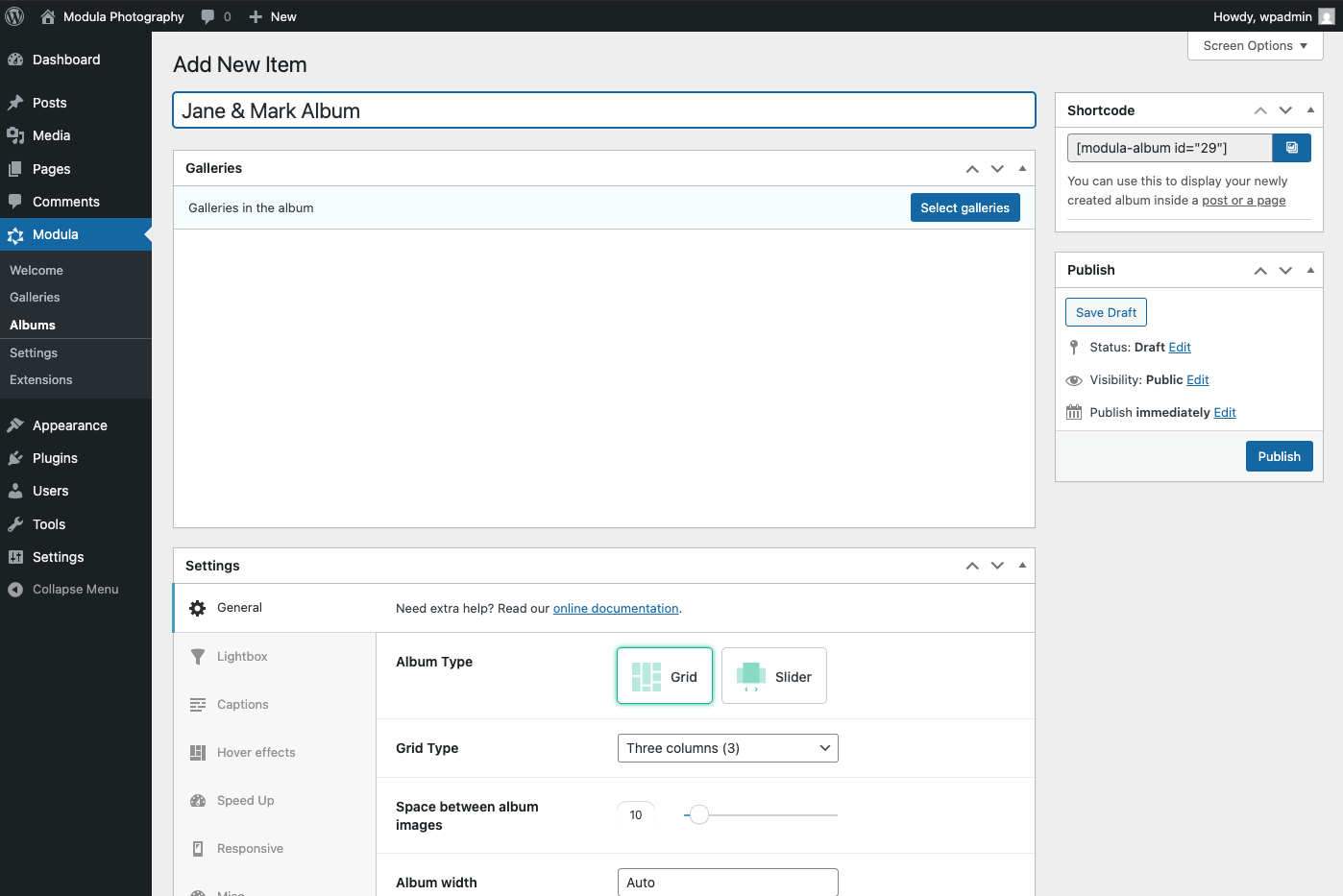
Go to Modula → Albums
-
Click Add New
-
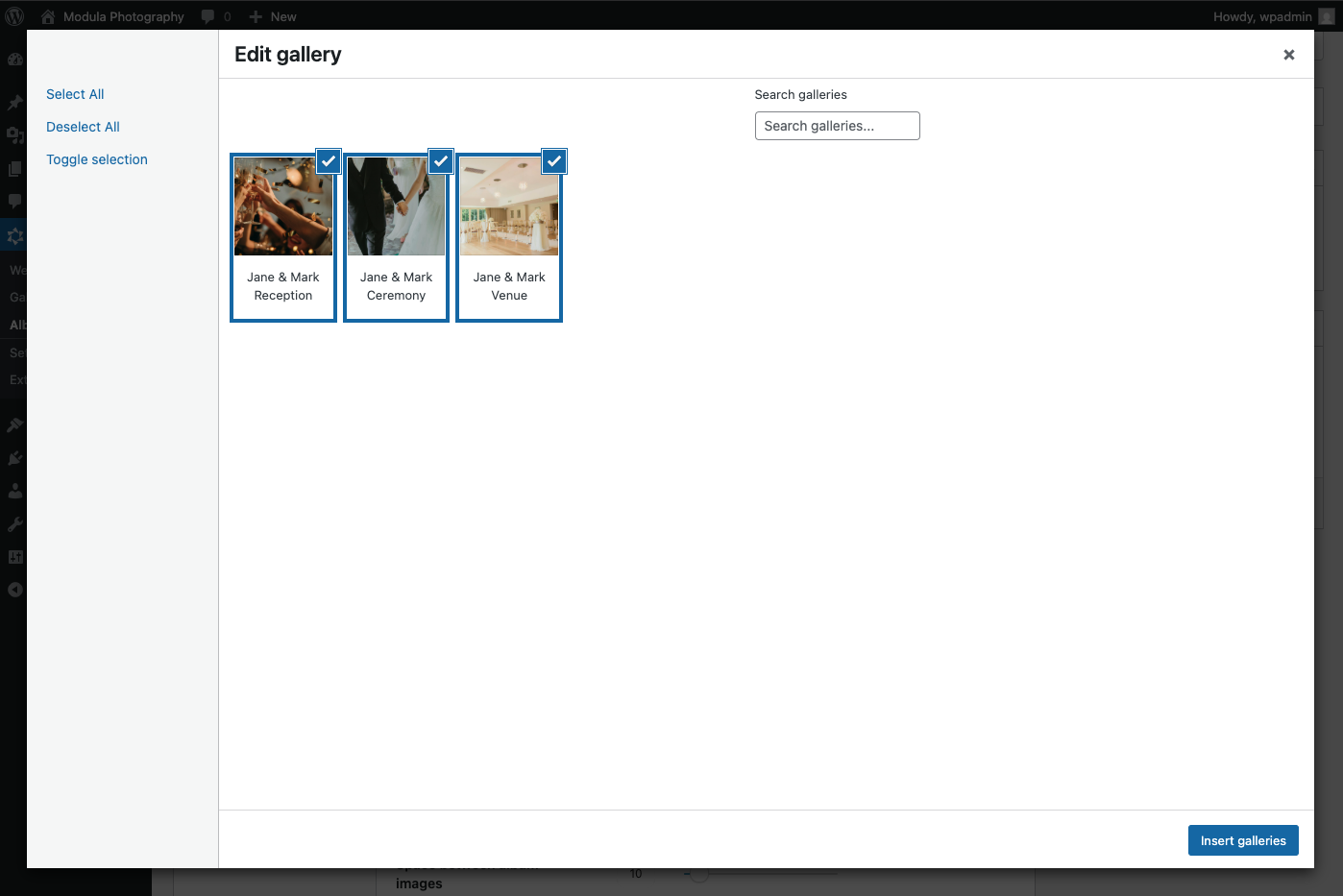
Name it after the couple (e.g., “Jane & Mark Album”)
-
Add the three galleries you created in Step 1
-
Publish the album
-
Repeat for each couple
Each album now contains all photos from one wedding, split into logical sections.
Step 3: Make a Page for Each Couple’s Album
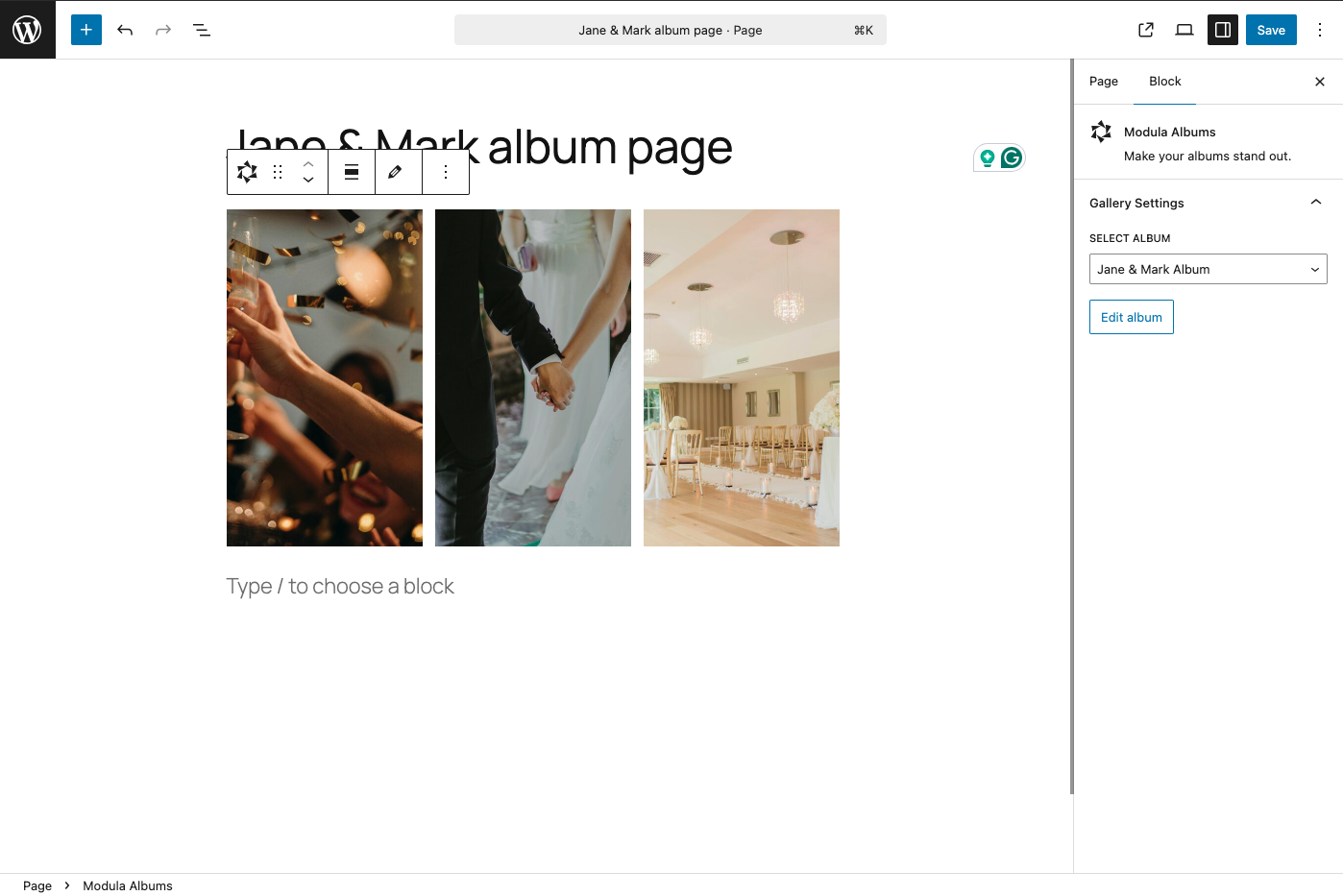
Give each album its own WordPress page.
-
Create a WordPress page (e.g.
Jane & Markalbum page) -
Embed the couple’s Modula Album using a block or shortcode
-
Optional: Add details above the gallery—wedding date, venue name, or a short intro
-
Publish the page
-
Copy the page URL (you’ll need this in Step 4)
Repeat this process for each couple.
Step 4: Build Your Visual Index
This is the trick that creates the second navigation level. You’ll make a gallery where each image links to an album page.
-
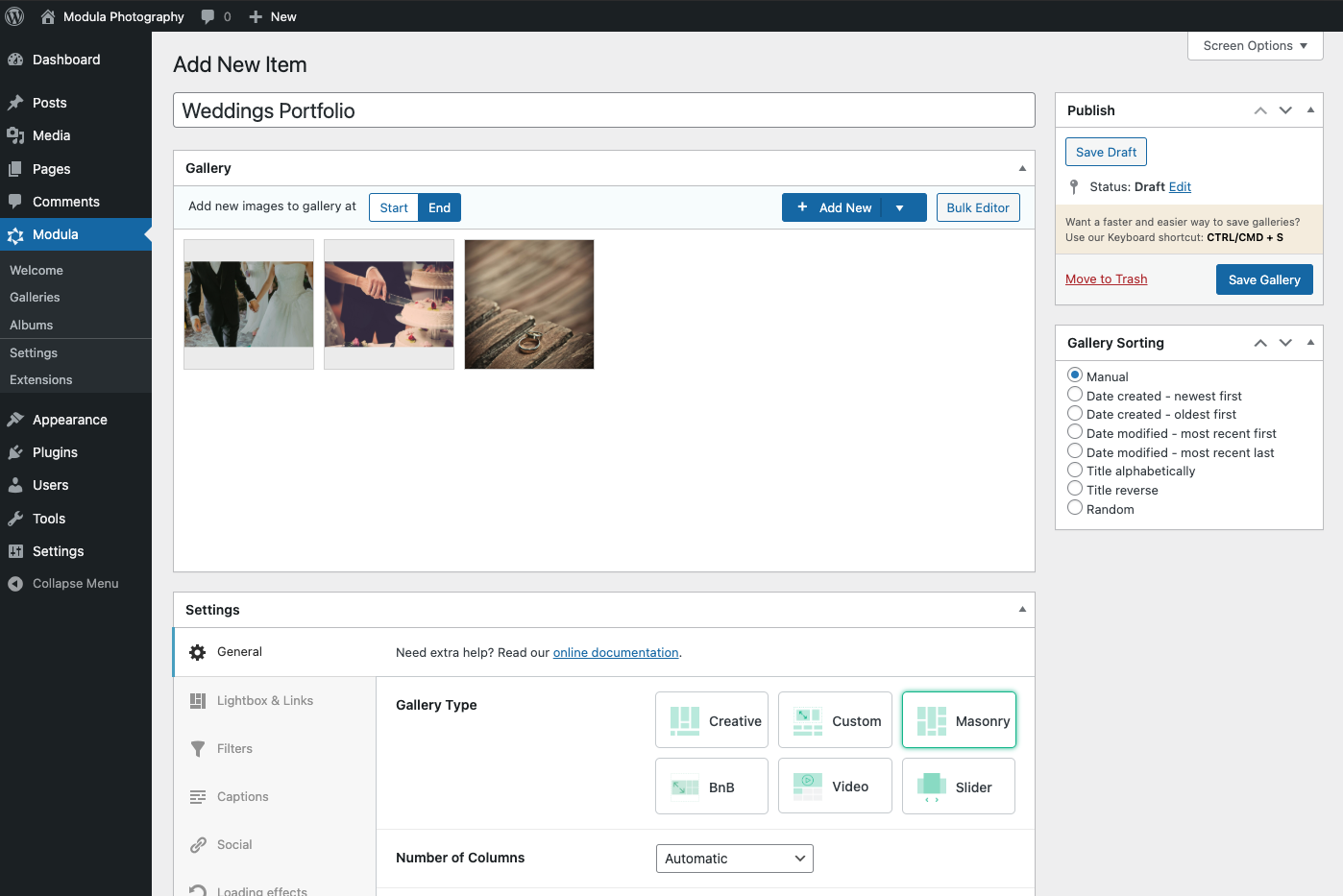
Go to Modula → Add New Gallery
-
Name it “Weddings Portfolio”
-
Upload one signature photo per couple (their best shot)
-
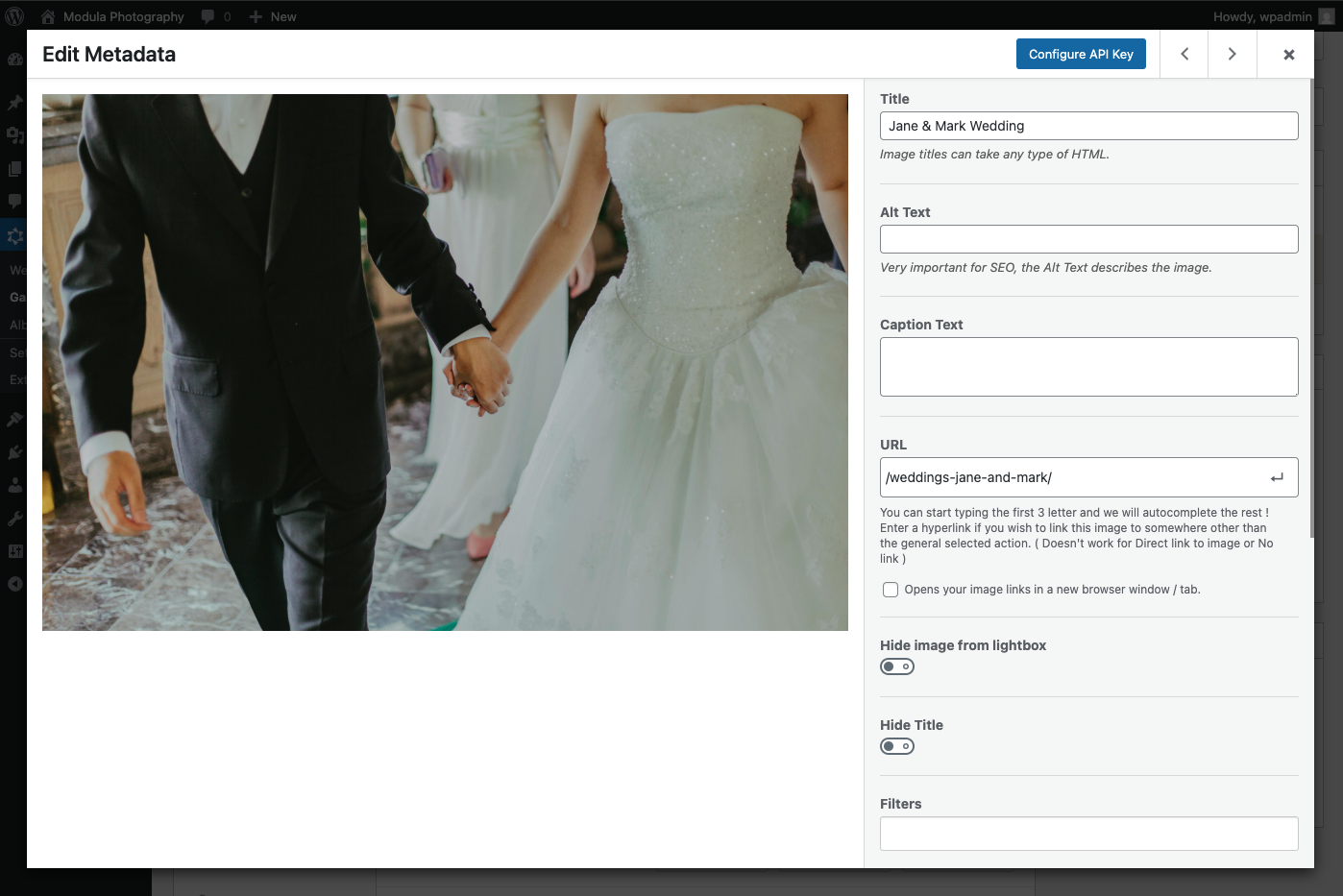
For each image:
- Open the configuration window
- Paste the URL of the couple’s album page in the URL field
-
Publish the gallery
Now each image acts as a clickable link. Visitors see a grid of your best wedding shots. Clicking any image takes them to that couple’s full album.
Step 5: Launch Your Portfolio
Final step: make it all accessible from your main site.
-
Create a new page titled “Weddings Portfolio“
-
Embed the gallery from Step 4
-
Add this page to your main navigation menu
-
Test every link
Done. You now have a two-level wedding portfolio.
Here Are a Couple of Pro Tips
-
Add hover effects: Show each couple’s name when visitors hover over their image. Helps them navigate faster.
-
Include “Back to Portfolio” links. Add these to each album page. Visitors shouldn’t feel stuck.
-
Password-protect private galleries. Some clients want their photos hidden from public view. Modula Pro handles this.
-
Add Watermarks. Protect your work from unauthorized use.
-
Write descriptive ALT text. Helps with image SEO and accessibility.
Why This Setup Works
This structure solves real problems for wedding photographers:
-
Faster loading. Smaller galleries load quicker than one giant collection.
-
Better storytelling. Visitors experience each wedding as a narrative, not a photo dump.
-
Professional presentation. Clients see an organized portfolio, not chaos.
-
Easy maintenance. Adding new weddings takes minutes.
-
Scalable. Works whether you have 5 weddings or 50.
Ready to Make It Happen?
If you have Modula Pro with the Albums addon, you can build this in under an hour.
Want help? Check our Albums docs, or reach out to support if you get stuck.