Made in Europe, buy from Europe.
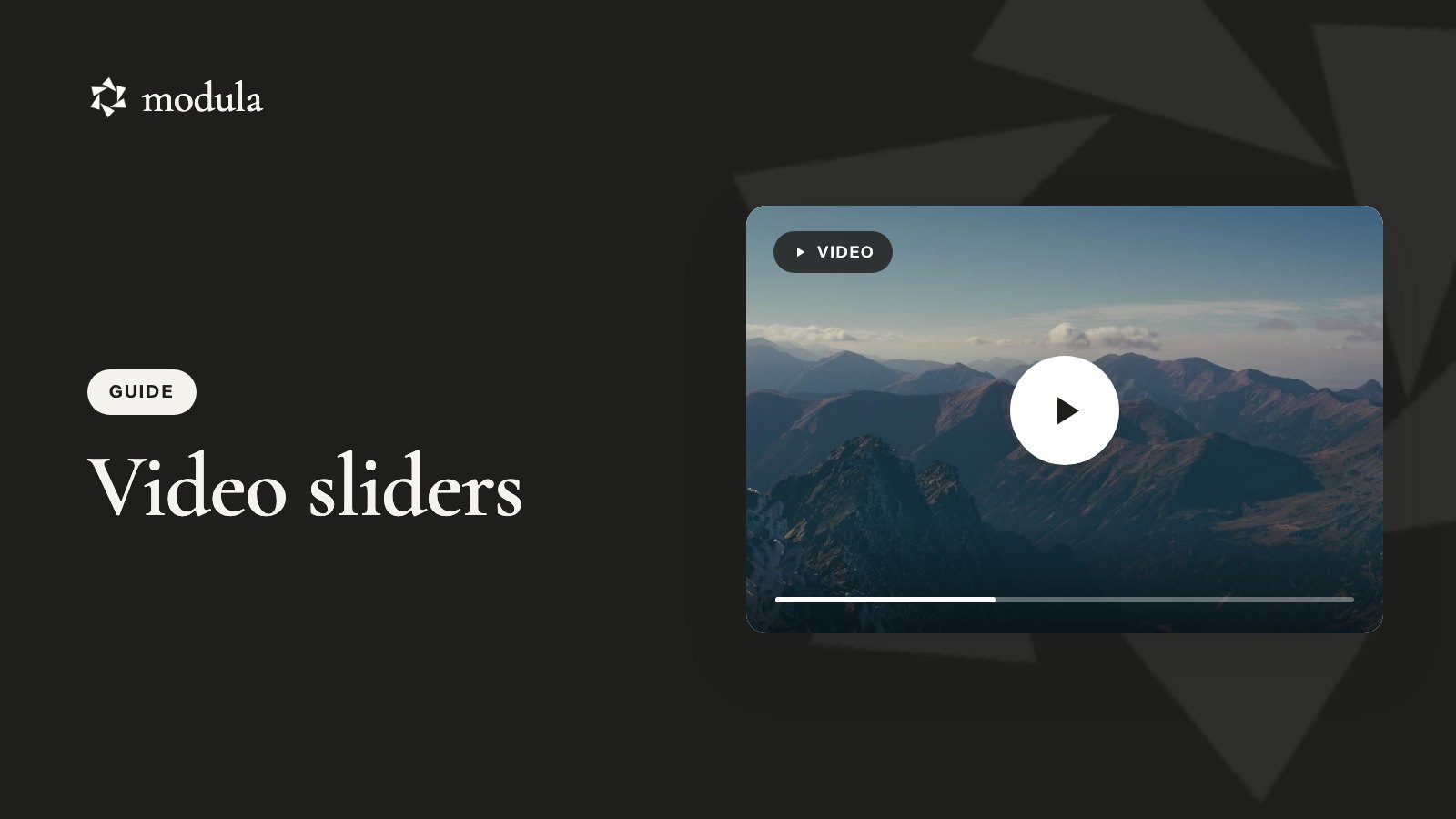
A WordPress video slider puts one video on stage at a time, with arrows or thumbnails to reach the next. Twelve clips fit in the space of one, and each plays right on your page, so nobody wanders off to YouTube and its recommended videos.
WordPress 7.1 ships a Video block and a Gallery block, but nothing that slides, so a plugin has to do it. Modula is the gallery plugin we make, and its Slider type takes YouTube, Vimeo and MP4 videos, plus photos if you want to mix them in.
The short version
Switch on Slider and Video, add your videos, set Type to Slider, leave Autoplay off and embed it.
When a video slider makes sense
A video slider pays off when a few clips tell one story and each one deserves the full width:
- A showreel. A wedding videographer opens with the highlight film, then the ceremony, speeches and first dance. More in our video portfolio guide.
- Product demos. Five short how-to clips, unboxing first and troubleshooting last.
- Testimonials. Six happy customers on camera, without six players stacked down the page.
- Events. The after-movie first, then the talks.
The catch: a slider shows one clip, and visitors have to go looking for the rest. Want every video visible at once? Build a photo and video gallery grid. Prefer one big player and a playlist that stays in view? Use Modula’s Video gallery type. For a clip that loops behind your headline, WordPress 7.1’s Cover block starts its background video on its own, muted.
What you need
A Modula video slider needs two plugins, plus clips on YouTube or Vimeo or as MP4 files in your Media Library.
- Modula. It’s free on wordpress.org (160,000+ active installations), but on its own it has no video and no Slider type.
- Modula Pro on Trio or higher. Slider starts at Trio, and Trio includes Video. It’s $69 for the first year ($138/year after), with a 14-day money-back guarantee. See pricing.
How to create a video slider in WordPress
Creating a video slider in WordPress takes six steps in the Modula 3.0 gallery editor.
Step 1: Switch on Slider and Video
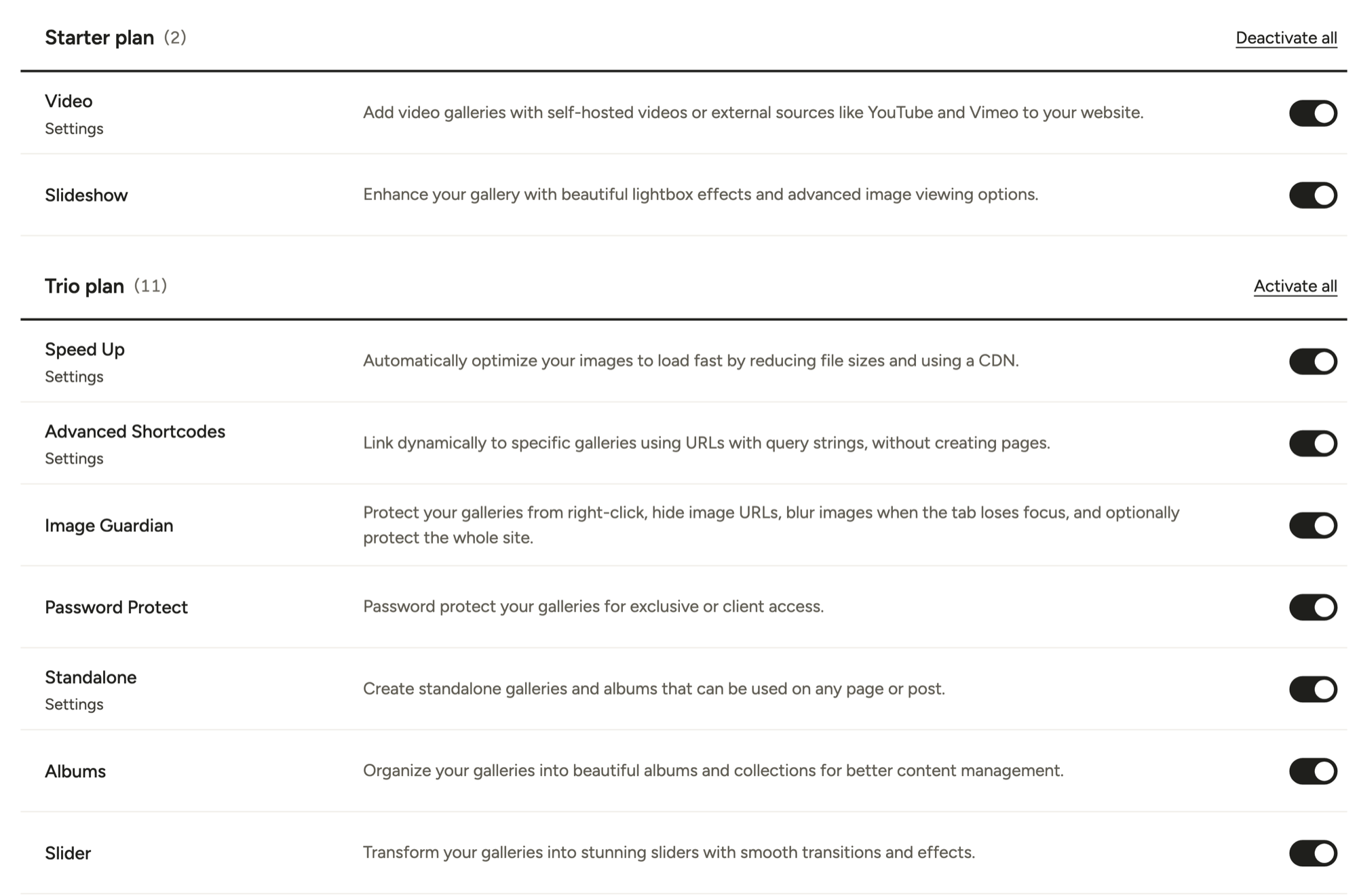
Install Modula Pro and activate your license (install guide). In Modula → Extensions, switch on Video in the Starter list and Slider in the Trio list (how to switch on extensions).
Step 2: Create a gallery
Go to Modula → Content and click New gallery (pick Try the new editor if Modula asks). Click the pencil next to the name to call it something you’ll recognize, like “Wedding showreel”.
Don’t hunt for a Save button. The editor saves as you go and shows All changes saved at the top.
Step 3: Add your videos
Click the arrow next to Add and choose A video, under From a link.
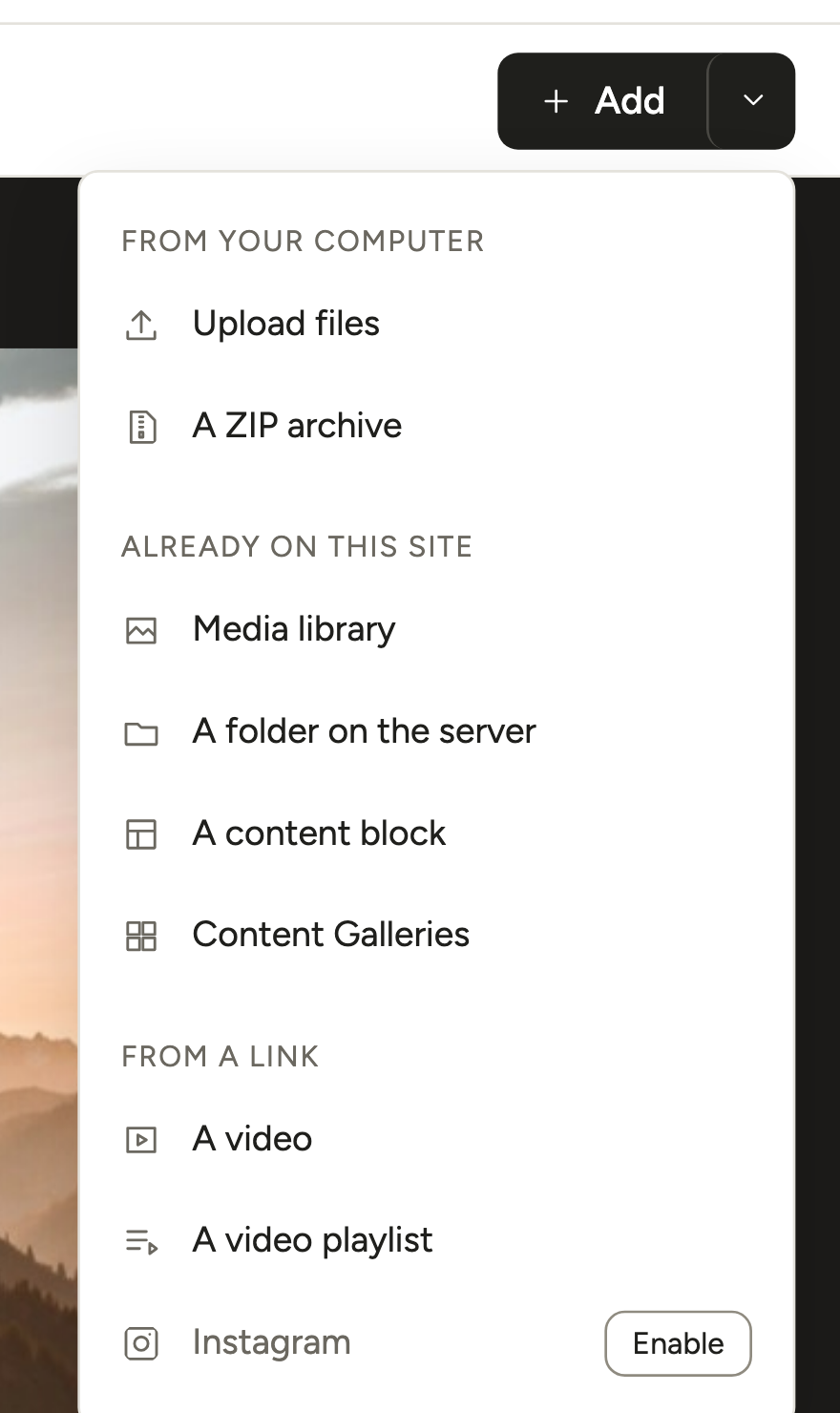
Paste a YouTube, Vimeo or MP4 link into Video or playlist link and click Add. Do that for every clip, then drag the tiles into viewing order.

- Self-hosted MP4: upload it in Media → Library, click Copy URL to clipboard and paste that link.
- A whole playlist: choose A video playlist for a YouTube playlist or Vimeo showcase. Connect your account first in Modula → Settings → Connections (YouTube, Vimeo).
- A photo you already have: click it, open Video under More settings and paste a link in Video URL. The video plays in that slide, and your photo becomes its thumbnail.
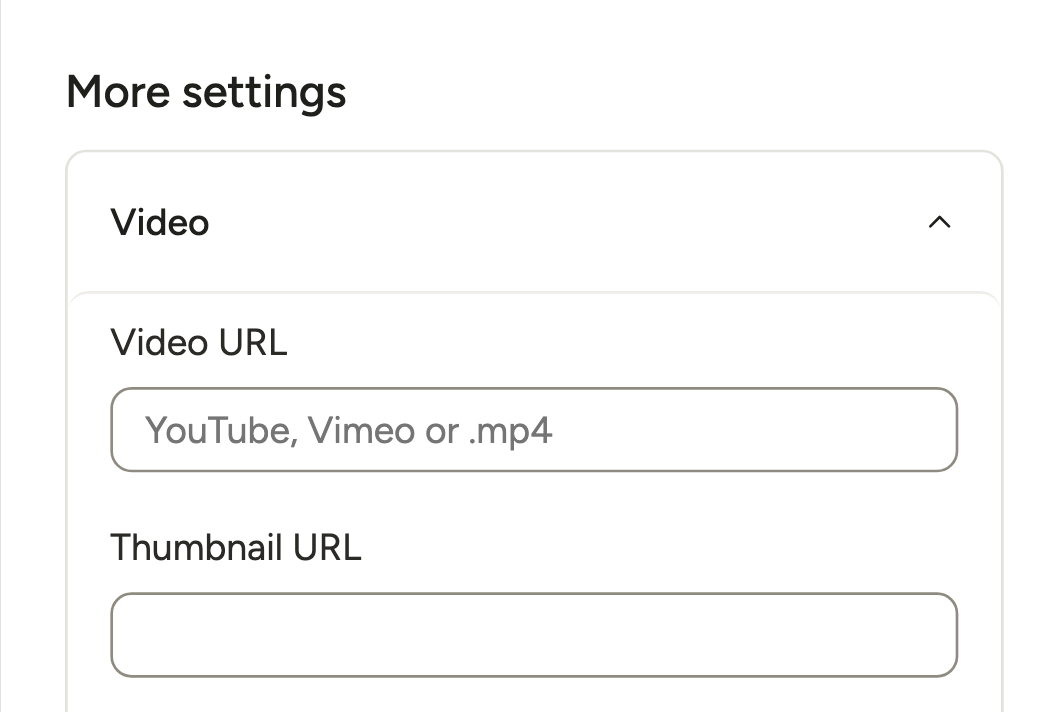
Step 4: Switch the gallery to Slider
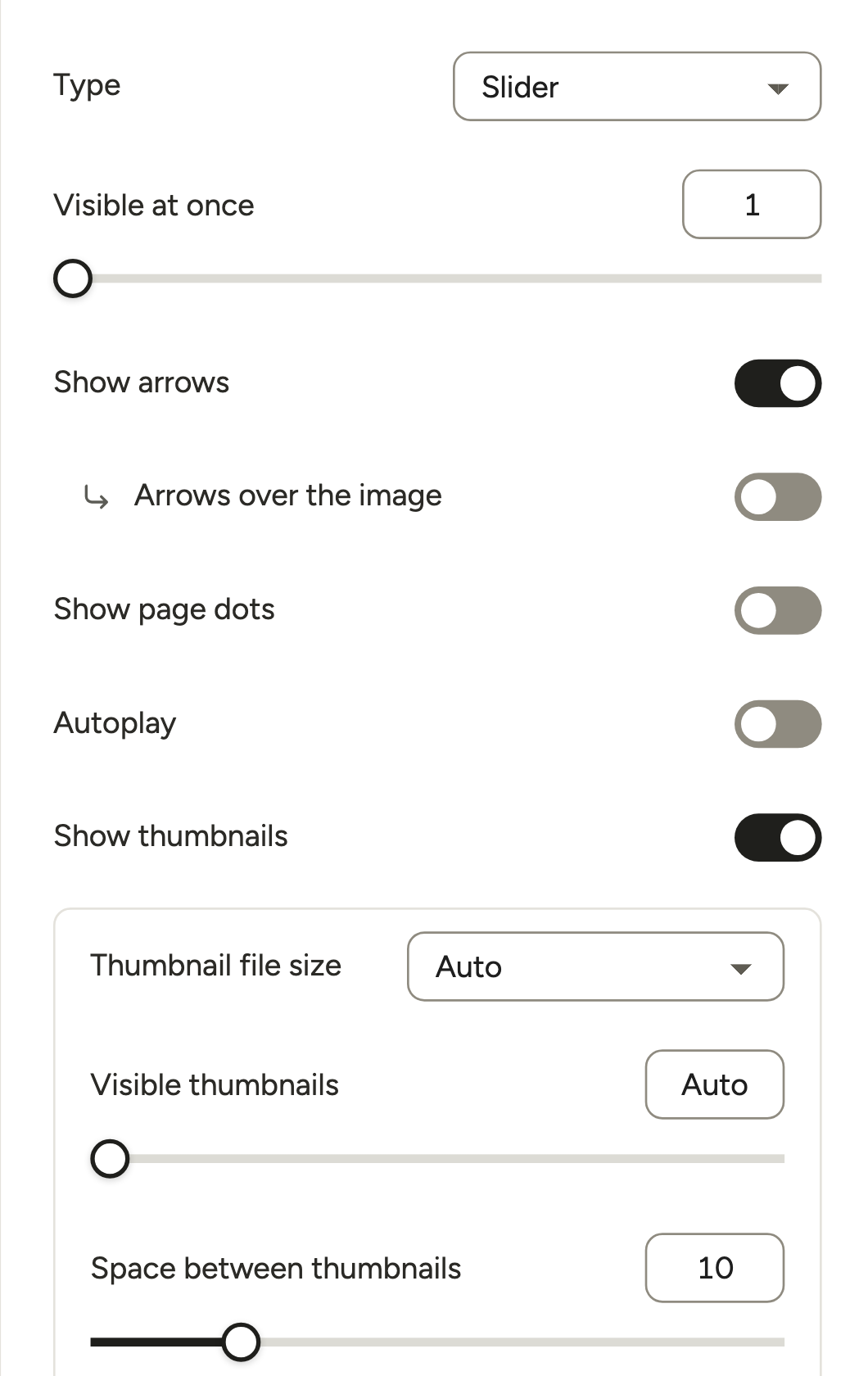
Click Layout in the left rail and set Type to Slider, in the Slides & video group. For videos, these settings matter most:
- Visible at once: leave it at 1 and each video gets the whole frame. Above 1, you get a video carousel.
- Show arrows: on by default. Show page dots adds dots underneath.
- Show thumbnails: on by default, a clickable strip of small pictures with play icons.
- Autoplay: leave it off. It moves slides on a timer, and the longest Time between slides is 15 seconds. Your clips are almost certainly longer.
- On phones and tablets: sets Visible at once separately for smaller screens.
Don’t panic when the Lightbox (the pop-up viewer) and Video sections vanish from the left rail once the type is Slider. Videos play inside the slide with their own controls, so there’s nothing to set up there. The Modula Slider guide lists every setting.
Step 5: Fine-tune motion and captions
Four more settings are worth a look:
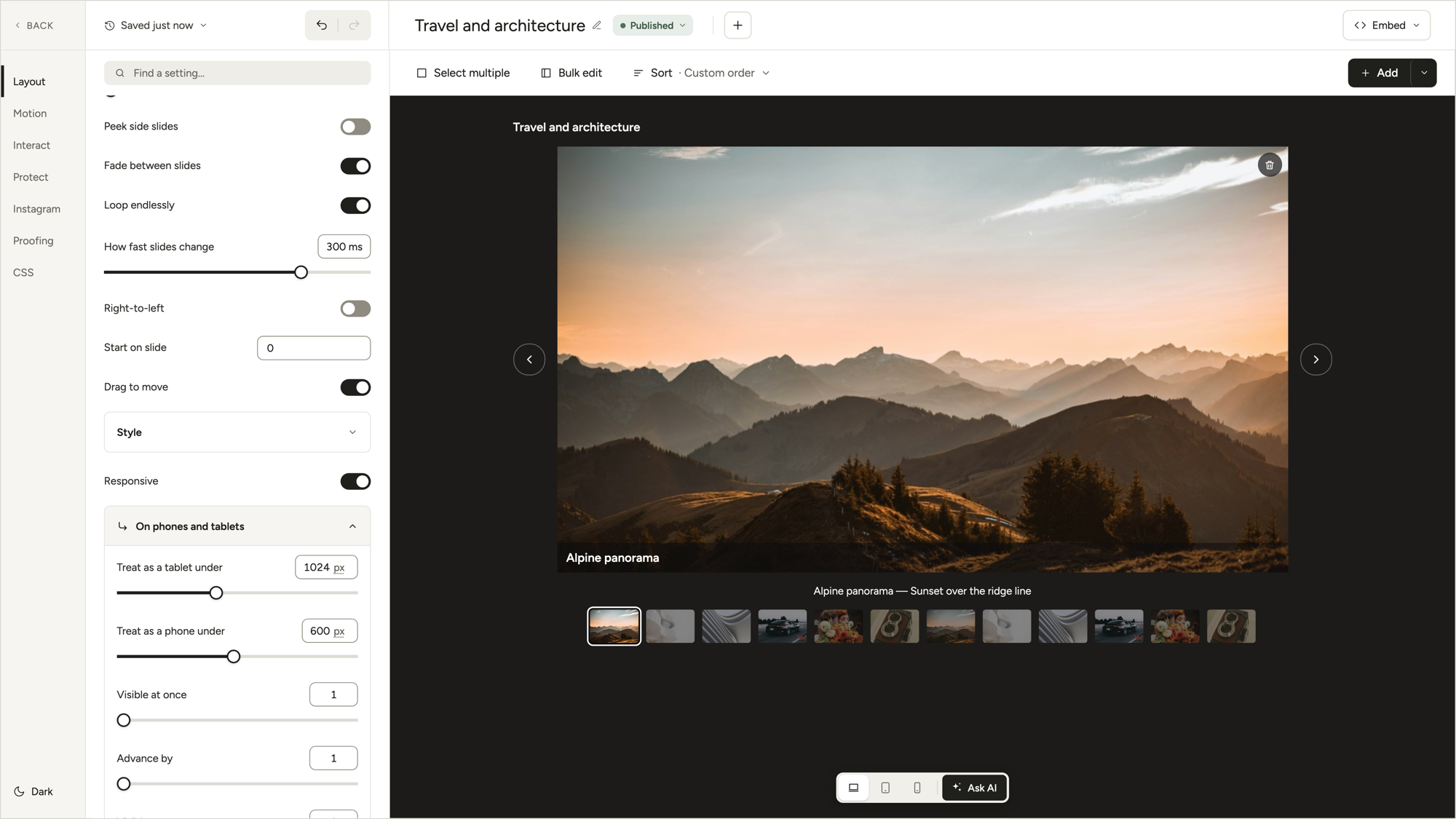
- Fade between slides: a soft crossfade instead of the sideways slide.
- How fast slides change: 150 to 350 milliseconds (300 by default). That’s the transition, not the time on each slide.
- Peek side slides: slivers of the videos on either side, a quiet hint there’s more to watch.
- Show title and caption: under Layout → Captions. Caption placement puts the text above, on or below the slide, and it comes from each video’s title and caption.
Turning Autoplay on anyway, say for a mostly-photo slider? Switch on Pause when hovering too, so the slides hold still while someone’s mouse is on them.
Step 6: Add the slider to a page
Check that the gallery says Published, click Embed, copy the shortcode (like [modula id="89"]) and paste it into any page or post, where it shows the slider. Or add the Modula Gallery block and pick your slider from its list.
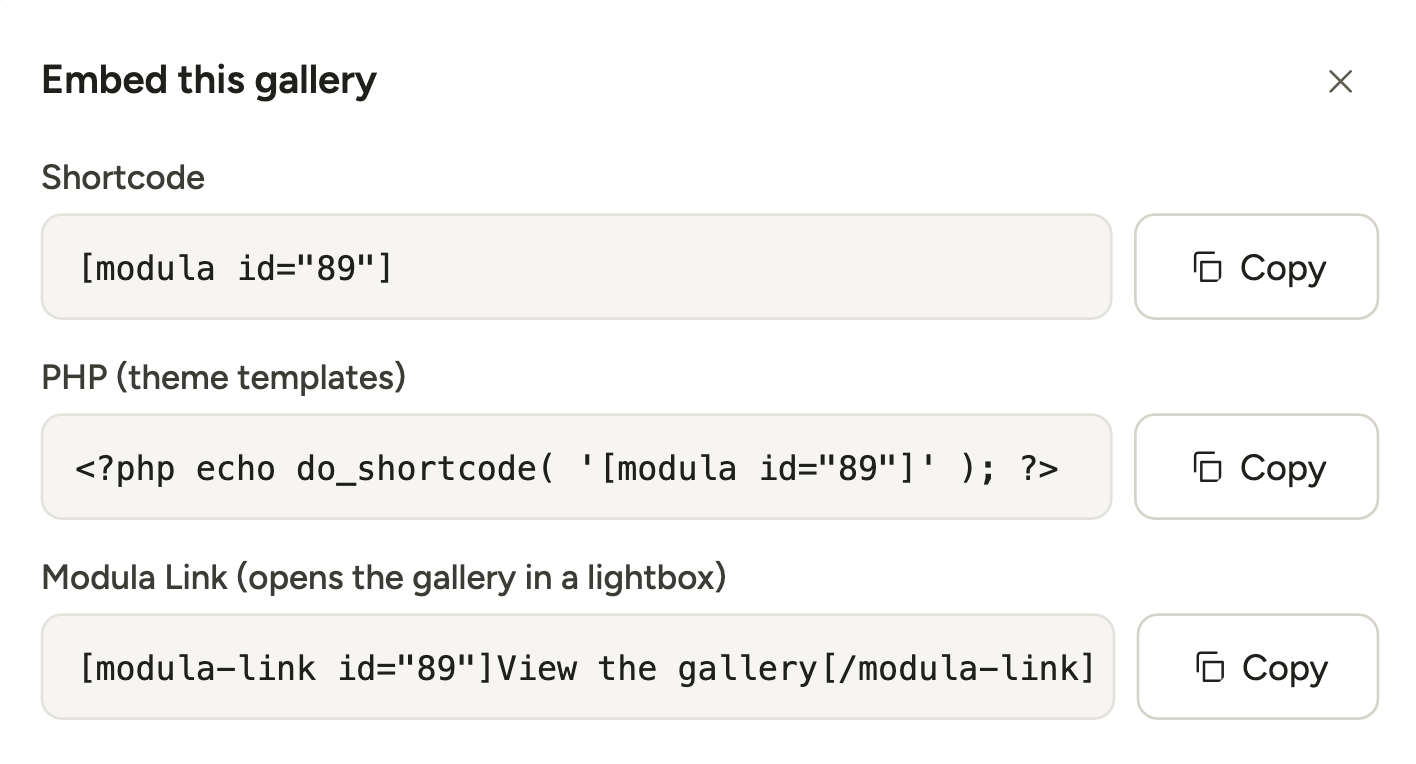
From then on, swap a clip in the editor and every page using the slider updates on its own.
Add the video slider in Elementor
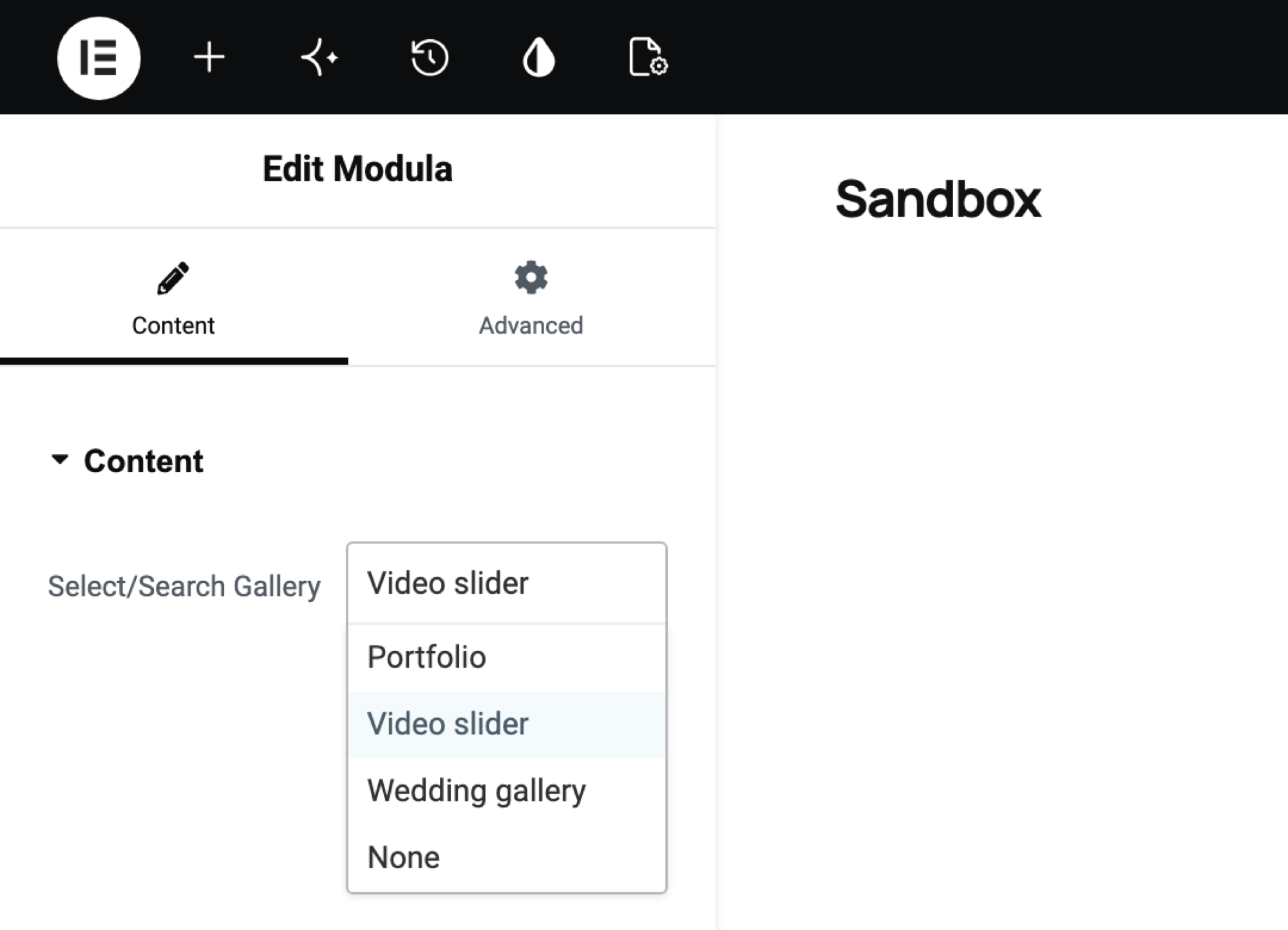
Find the Modula widget in Elementor’s General group, drag it onto the page and choose your slider in Select/Search Gallery. Divi and Beaver Builder have Modula modules too. See how to add a gallery in Elementor or the Elementor KB article.
What visitors see
Each slide in a Modula video slider is a real player: YouTube’s or Vimeo’s for links, the browser’s own for MP4s, all with fullscreen. Visitors press play, swipe or use the arrows, or click a thumbnail to jump straight to a clip.
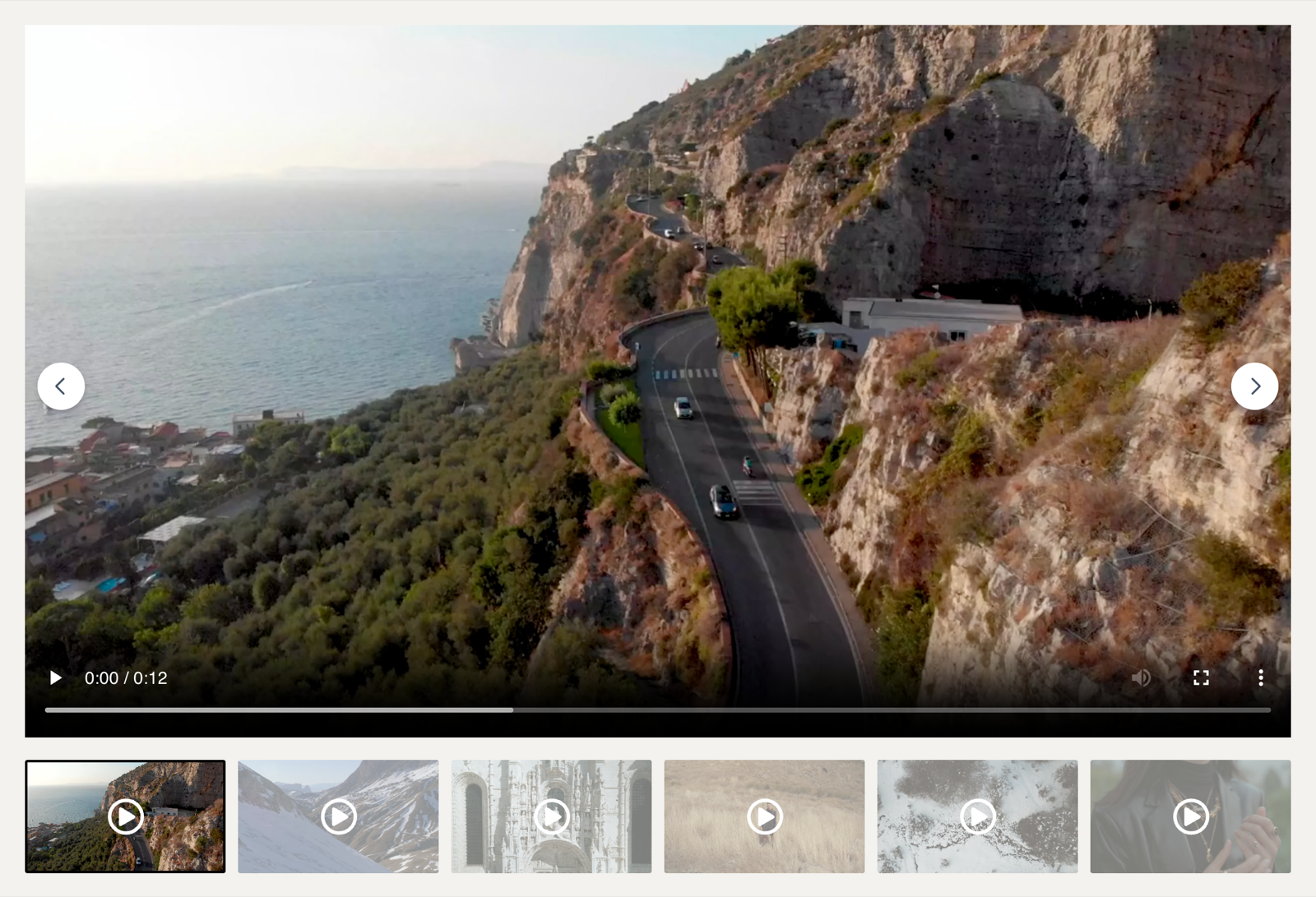
When a visitor moves to another slide, the slider is set up to stop the video that was playing and reset it to the start, so two soundtracks shouldn’t overlap. Still, test it on your own page, phone included, before you share the link: phones carried 58.99% of web traffic worldwide in September 2026 (StatCounter).
Tips for a better video slider
A video slider’s first slide gets most of the clicks, so put your strongest clip there. In an old but often-cited 2013 study of the Notre Dame homepage, about 1% of visitors clicked a slide, and 84% of those clicks went to the first.
- Let YouTube or Vimeo carry the long videos. They stream from their servers, not yours. Keep self-hosted MP4s short: a 20-second product loop, not a 12-minute webinar.
- Pick the thumbnails yourself. People choose from the strip, and a clear photo beats a random frame. Paste one into the video’s Video thumbnail URL field.
- Fix a Vimeo video that won’t play. On Vimeo, open Share → Embed. If Where can this be embedded is set to Specific domains, add your site.
Frequently asked questions
No, a Modula video slider waits for visitors to press play. Autoplay only moves the slides, and Start playing by itself lives in the Video section, which a Slider doesn’t have. For a muted video looping behind your text, use the Cover block.
Modula’s free plugin can’t build a video slider: it has 7 of the 14 gallery types, all for photos, so video and the Slider type need Modula Pro. Our list of the best WordPress video gallery plugins notes which plugins do have a free version.
Yes, a Modula slider mixes photos and videos in any order you drag them. A potter could open with a clip at the wheel, then six photos of the finished bowls. Sliding photos only? Our image carousel guide covers that.
Yes, a Modula video slider works on phones: visitors swipe between slides and play videos in place. Set Visible at once under On phones and tablets, then switch the editor preview to Mobile to check it.
A Modula video slider plays YouTube and Vimeo links and MP4 files you upload. Wistia, Dailymotion and Twitch links won’t work.
A Modula slider gives each video the full stage, one at a time. A Video gallery keeps one large player and the playlist in view. Pick the slider for a short set watched in order, and the Video gallery for a longer library people browse. Video gallery comes with every Pro plan; Slider needs Trio or higher.