
To obtain a PDF invoice for your purchase, follow these simple steps. This guide will walk you through the process, ensuring you have a record of your transaction.
-
Access Your Account
Navigate to your account by logging in using your credentials on the website.
-
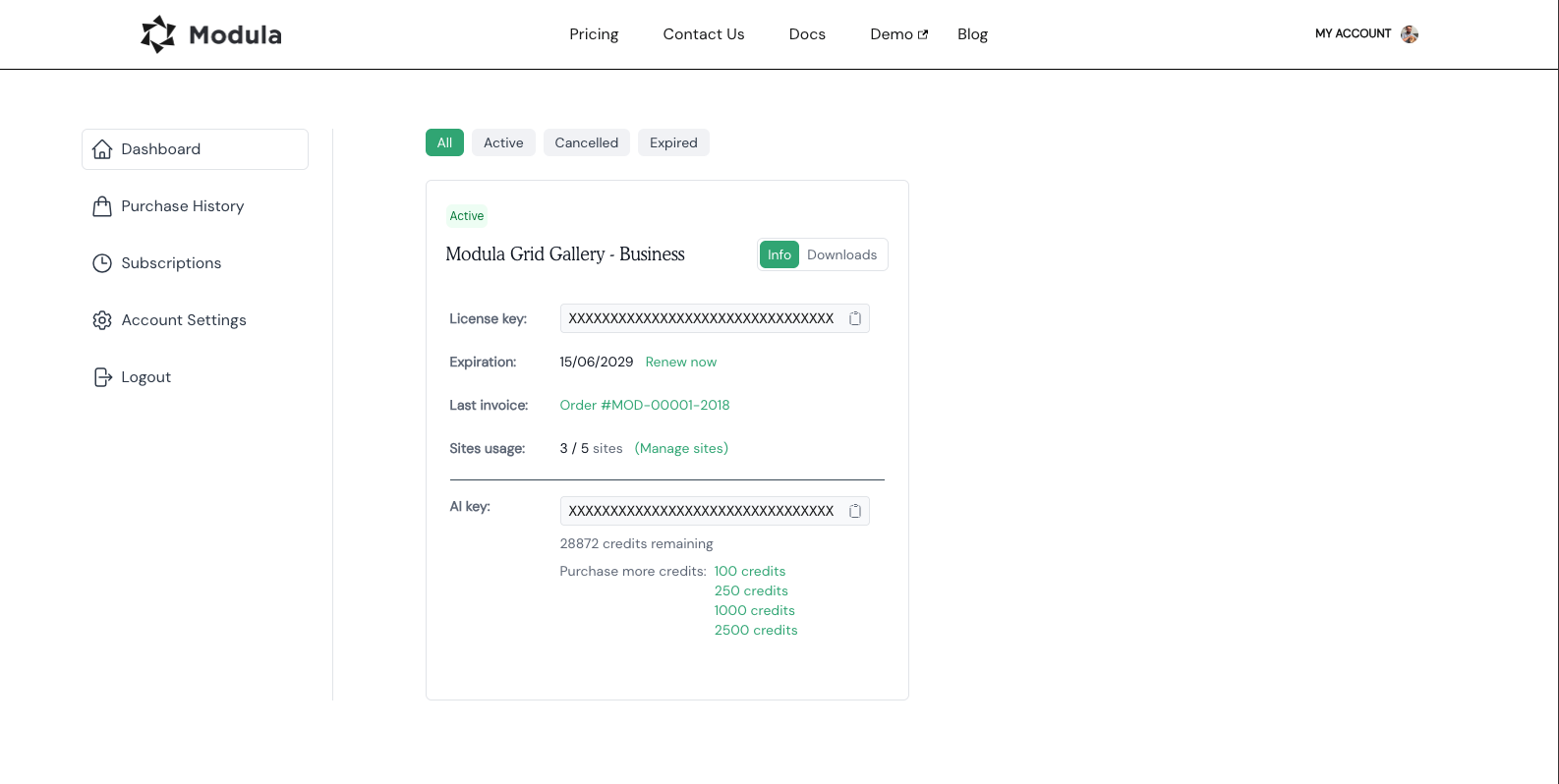
Visit the Dashboard section
Once logged in, locate the “My Account” > “Dashboard” section within your account.
-
Click the Last invoice link
Click on the “Last Invoice” link associated with the relevant purchase.
By following these straightforward steps, you can easily generate a PDF invoice for your purchase. Keeping a record of your transactions is a convenient way to track your expenditures and maintain organized financial records.