 Made in Europe, buy from Europe.
You can check your Modula license renewal date in your account. All license keys are valid for 1 year from the purchase date.
You need an active license key to get updates and support. You also need it for Modula’s image optimization and content delivery network. This network is a set of servers that delivers your images.
Find your Modula renewal date
- Log in to your account.
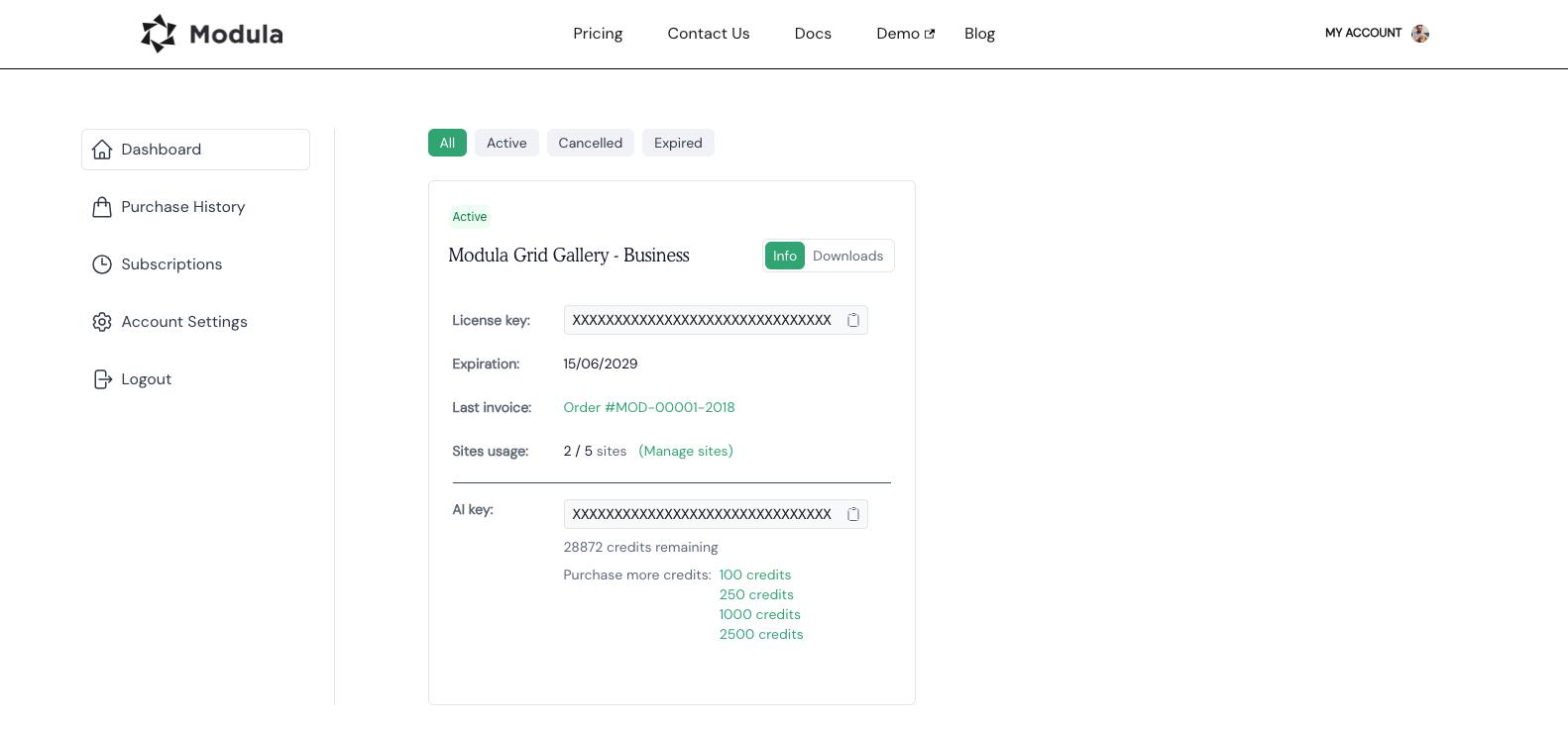
- Go to My Account → Dashboard.
-
Look at Expiration. Your renewal date is next to it.
More about your license
You can read more in Understand and manage your Modula license. If your license has already expired, see How to fix a failed Modula Pro or extension update.