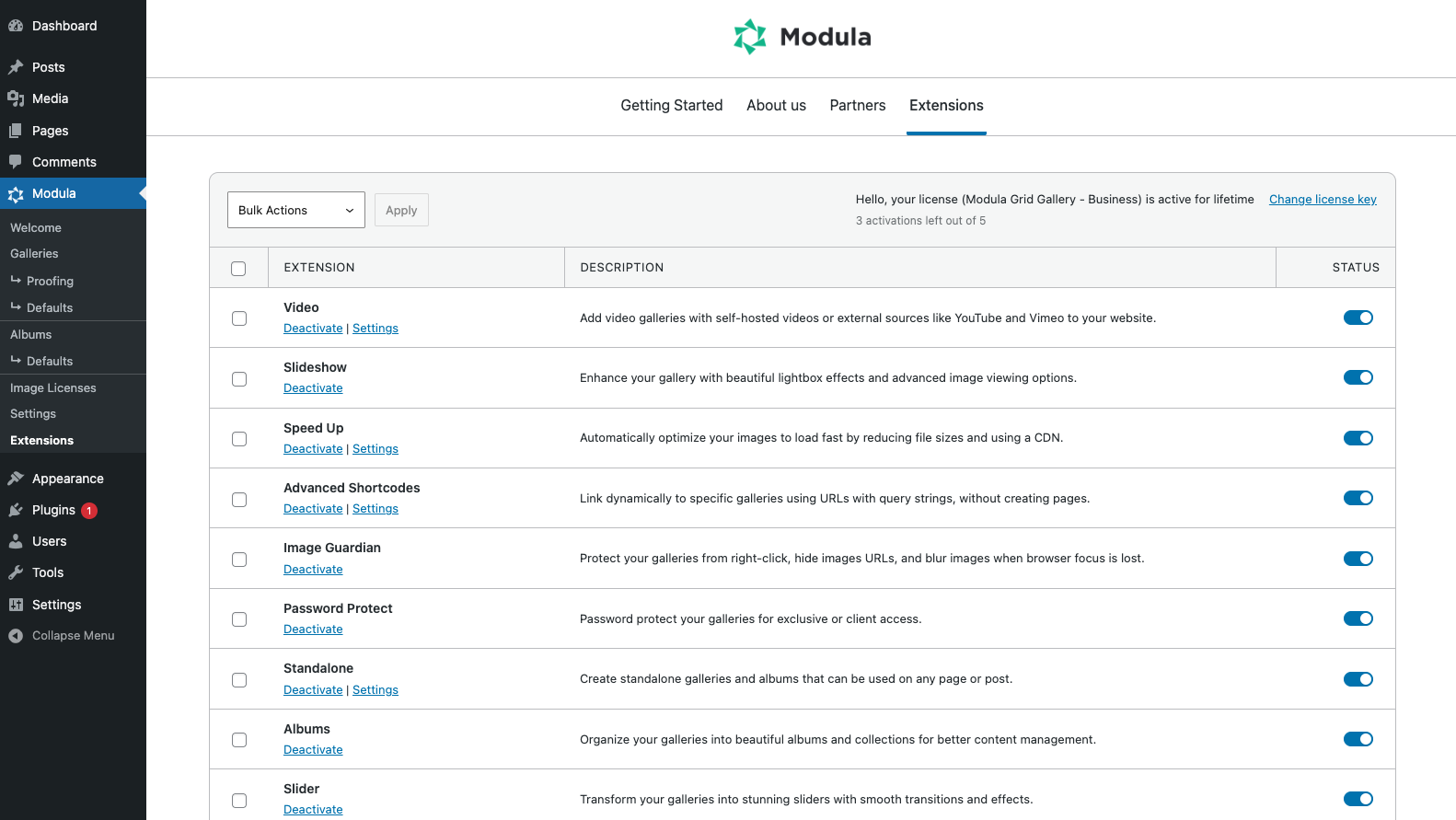
Installing Modula Pro extensions is a straightforward process. You just need to activate your license key, then enable the extensions available for your purchased plan.
-
Install and Activate Modula Pro
Before you can activate extensions, ensure Modula Pro is installed and your license key is activated. Refer to the instructions here for guidance.
-
Access Extensions in WordPress Dashboard
Once your Modula Pro license is active, go to your WordPress dashboard and navigate to Modula > Extensions.
-
Activate Extensions
Find the extension you want to install and click on the on/off button to start the installation process. The extension will be uploaded to your WordPress dashboard, and if successful, the button will turn blue.