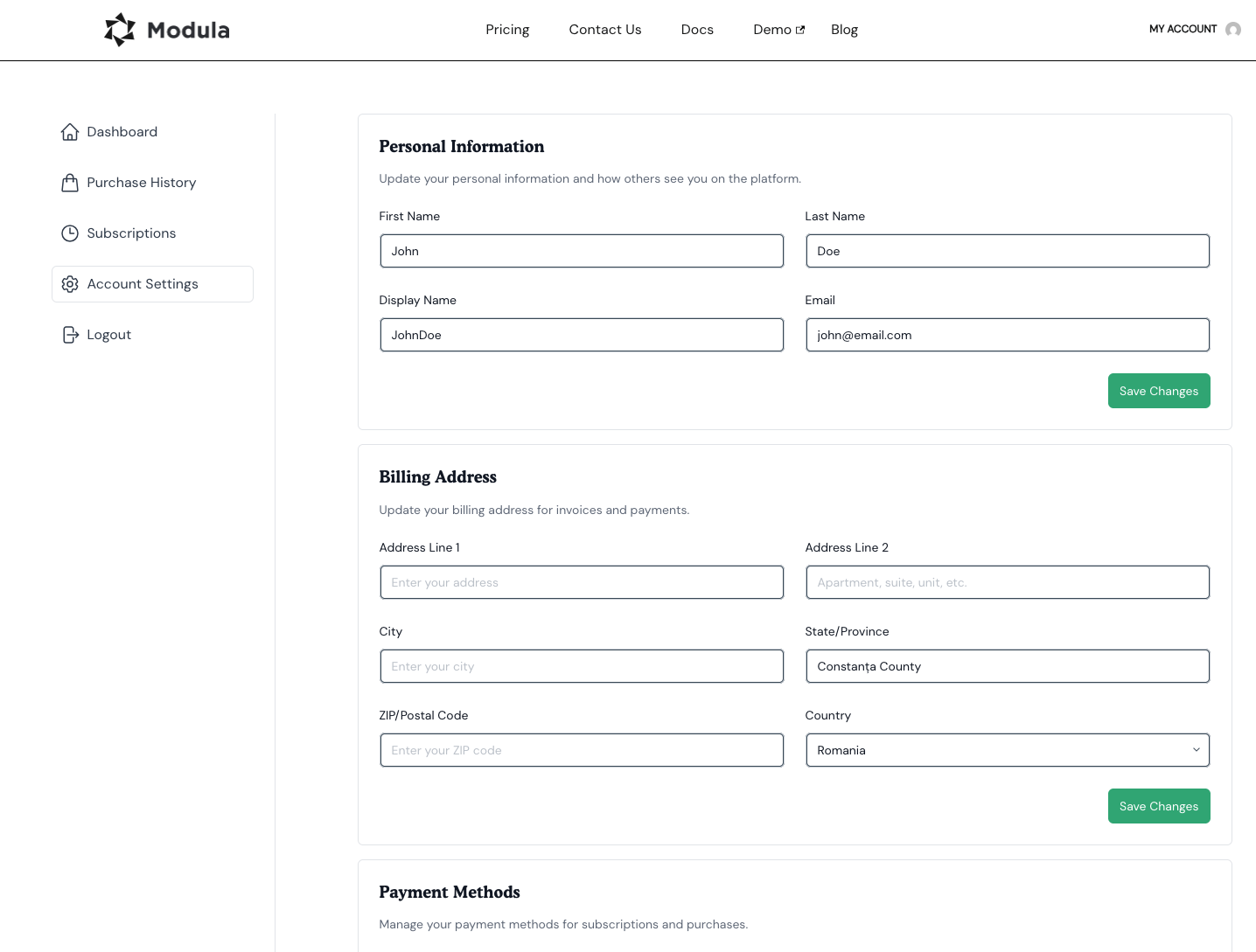
In some cases, you may not want to keep your Modula subscription active indefinitely. You can now disable/cancel your subscription right from your account area.
-
Access you account
After accessing our website, use the Resources > My Account link in the front-end menu to access the user account area.
-
Cancel your subscription
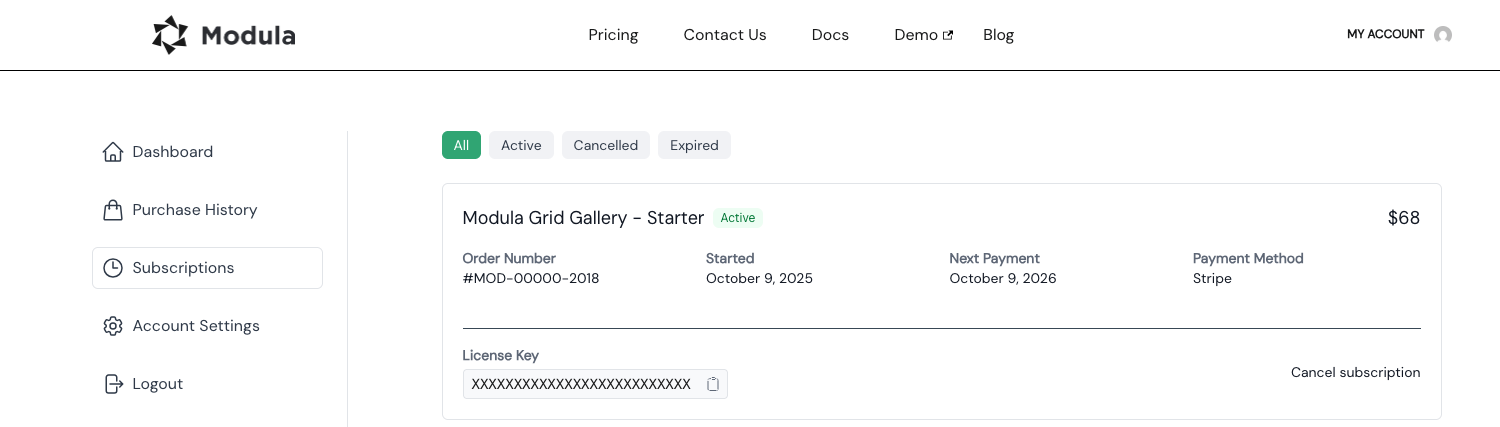
To cancel your subscription, simply go to your account > Subscriptions, and click on the ‘Cancel subscription’ link.
Once canceled, your account area will look as follows.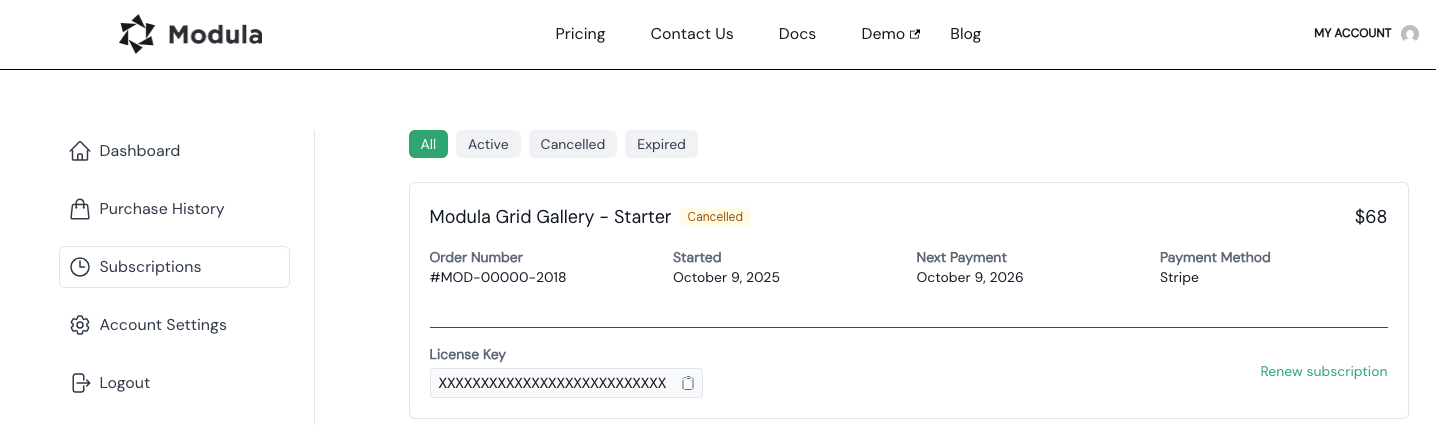
How can the billing info be changed/updated?
If you want to change/update your billing information, please go to your account > Account Settings > Payment Methods, and adjust your desired billing details.